
Loading

Print the print density chart

About this task

To influence the toner usage of your printer, you can print the print density chart and adjust the print density offset. A negative value reduces the toner usage, a positive value increases the toner usage.

NOTE

This action can only be performed by a Key operator.
Procedure

  1. Tap the system menu thumbnail. A window opens.
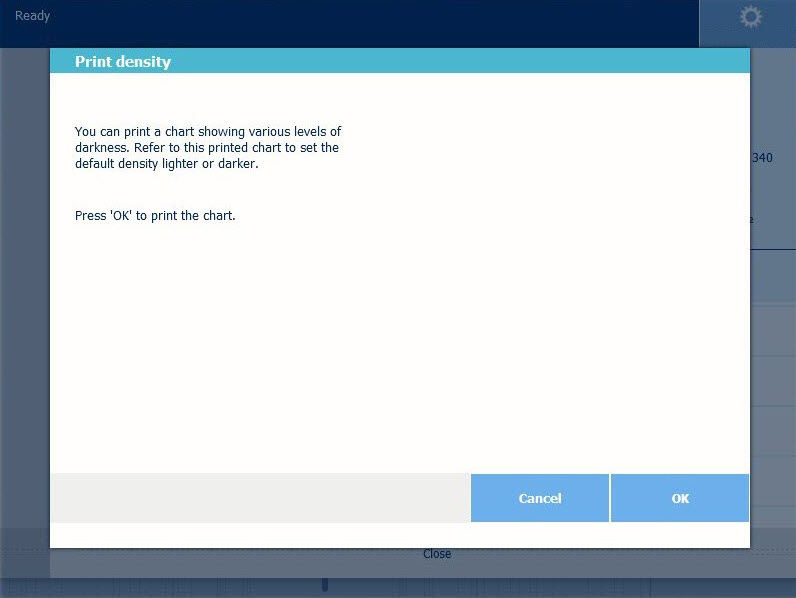
  2. In the list on the right, select [Print density]. A wizard opens.
  3. Tap Ok to print the chart.
  4. When the chart has been printed, use it to set the density value in the wizard.