
When an original jam occurs in the scanner, the message [Scanner original jam] appears on the user panel. You must remove the original from the scanner. Follow the steps in the wizard on the user panel to clear the jam.
If an original jam occurs often:
Check whether you used the correct type of original.
Check if the original is damaged before you insert it.
A locking mechanism prevents the scanner top cover from closing.
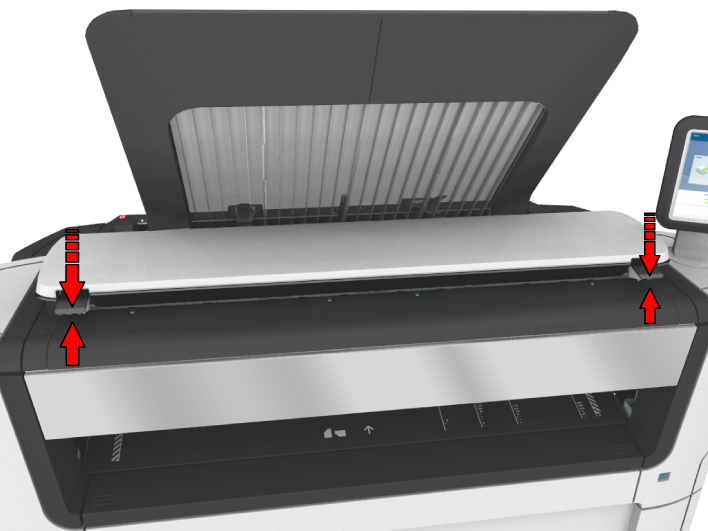
Pull the original from the scanner, or from the originals exit at the front.
 NOTE
NOTE
Check that the left and right scanner open levers are locked into position.