
If you have an original with a strip, you can remove the strip from your scanned file.
Use the option [Remove strip] on the user panel to scan an original with a strip and remove the strip from the file. You can remove a strip from the top, the bottom, the left or the right side of the original.
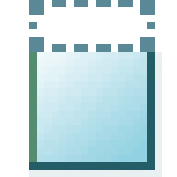
|
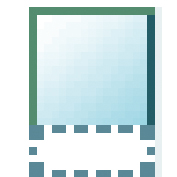
|
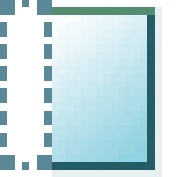
|
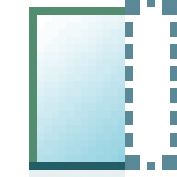
|
|
[Remove top strip] |
[Remove bottom strip] |
[Remove left strip] |
[Remove right strip] |
The printer scans the original to file without the defined strip. The file is sent to the location defined in the template.