
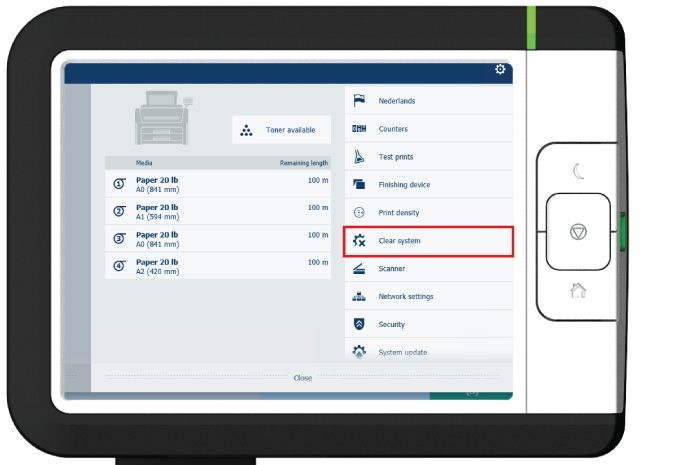
On the user panel, you can remove all print and copy jobs from the system.
A wizard opens.
 NOTE
NOTE
Make sure you have saved all the information. All print and copy jobs are removed.
After you have followed the steps, the system will reboot and all print, copy, and scan jobs are removed.