
With a USB key, you can perform print and scan jobs on the printer.
The print tile is automatically selected on the user panel, and the USB location is active.
A window with a list of the folders and files present on your USB key opens. Swipe through the list and find the correct file.
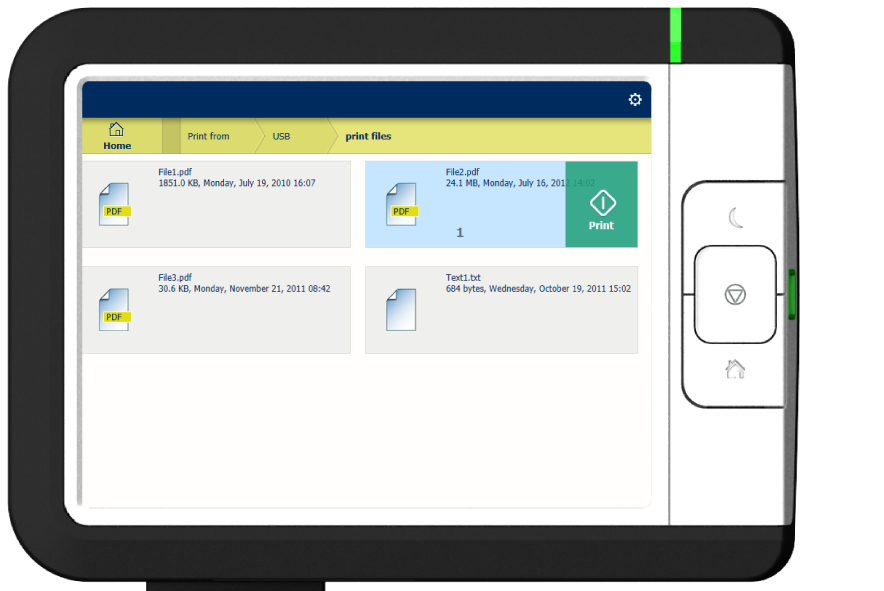
When you want to make more settings, you can tap on the job name and job settings. The preset window opens, and you can make additional settings.