Introduction
It is necessary to clean the print surface regularly.
About this task
When a media jam occurs or when there is pollution on your printed output, it can help to clean the print surface.
Required tools
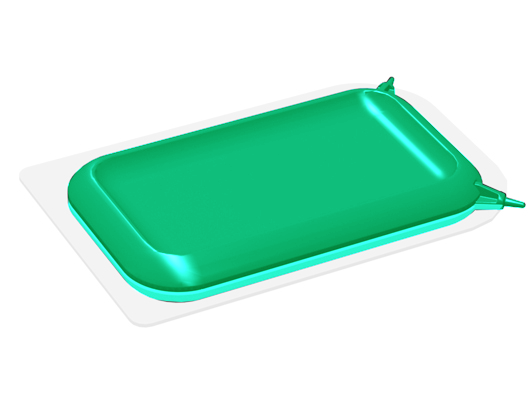
Use the supplied clean card. The clean card is located in the card holder under the [transparent top cover].
Procedure
-
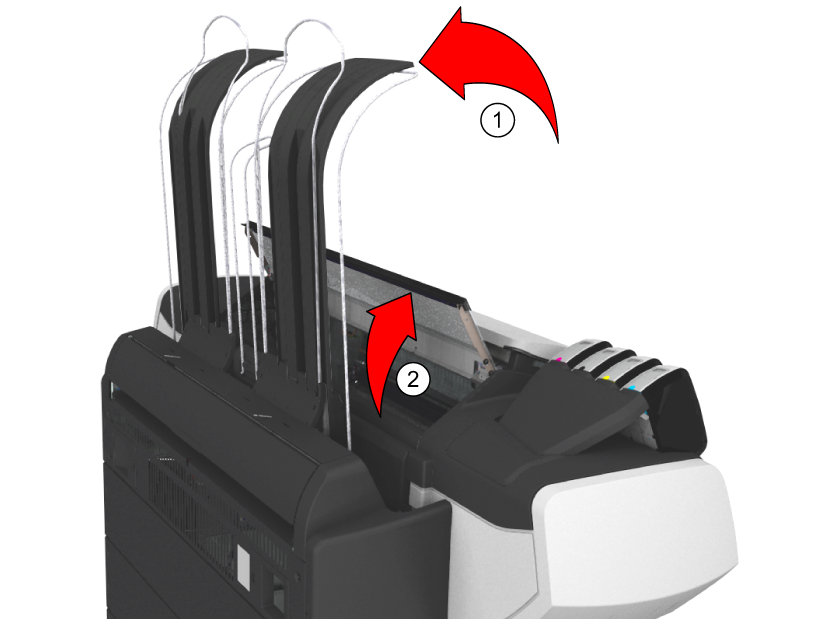
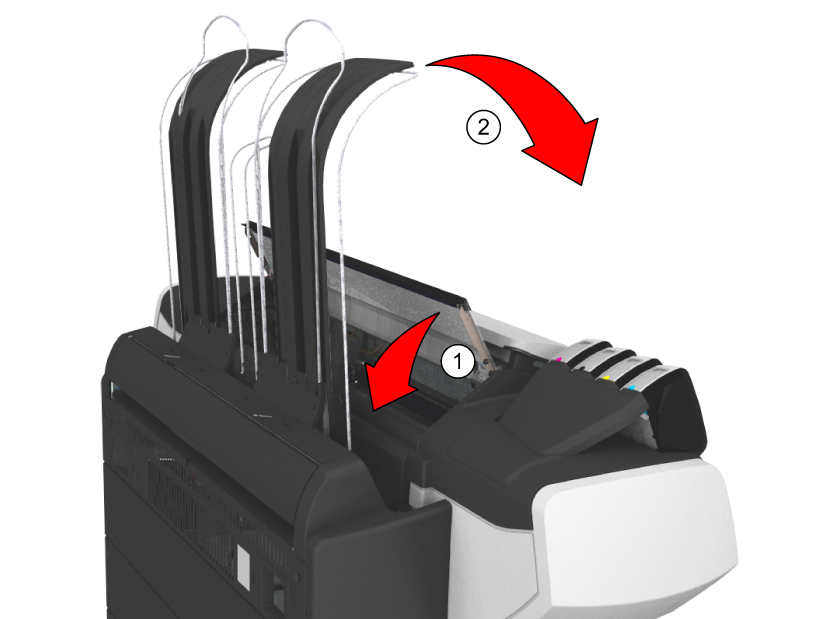
Push the Top Delivery Tray towards the back and lock it into place.
-
Open the [transparent top cover].
You can now access the clean card and the print surface.
-
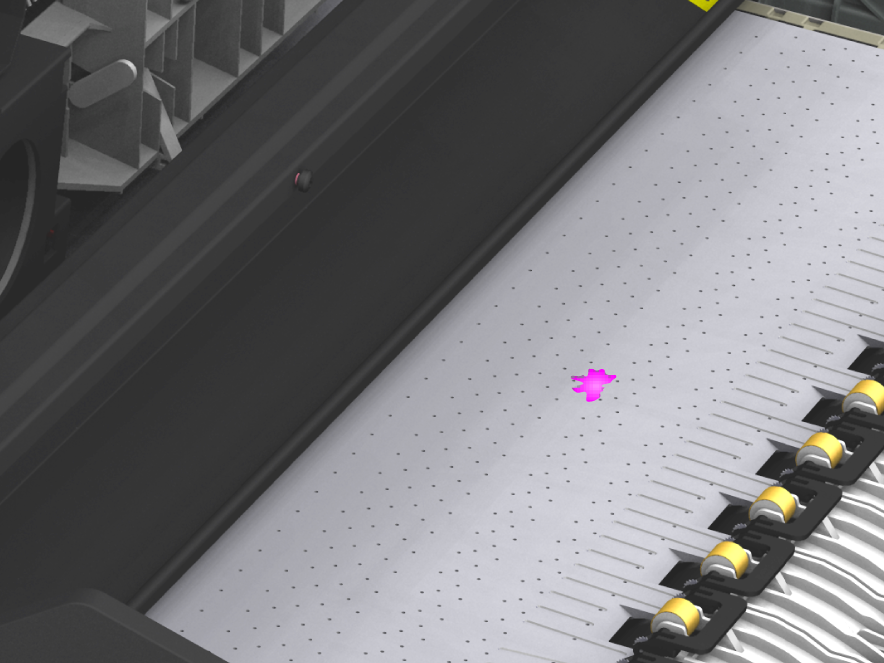
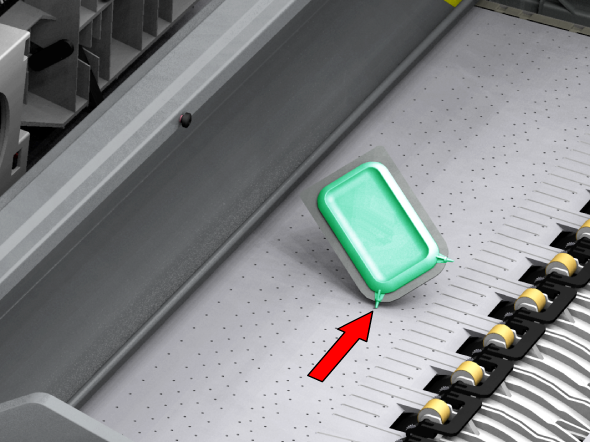
Check whether there are toner drops on the print surface.
-
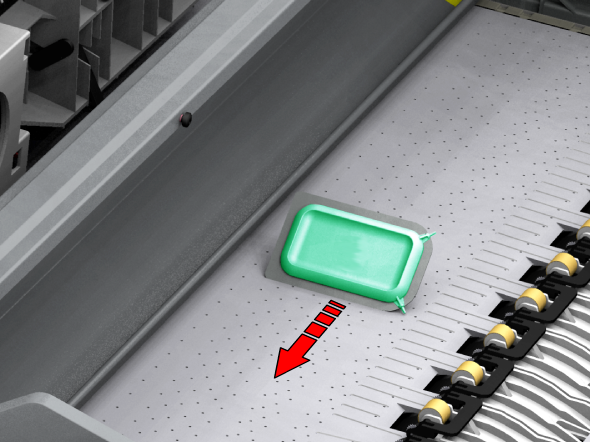
Remove the toner with the clean card.
Remove the pollution from the print surface by moving the card into the direction of the toner cartridges.
-
When the holes in the print surface are not open, use the pins on the clean card to open the holes.
-
Place the clean card back in the card holder.
-
Close the [transparent top cover] and place the Top Delivery Tray back in its original position.