
To print a job, you must configure the correct setup for the selected media type. You can change the setup to roll or rigid media on the user interface of the printer.
The process is the same for both printer setups.
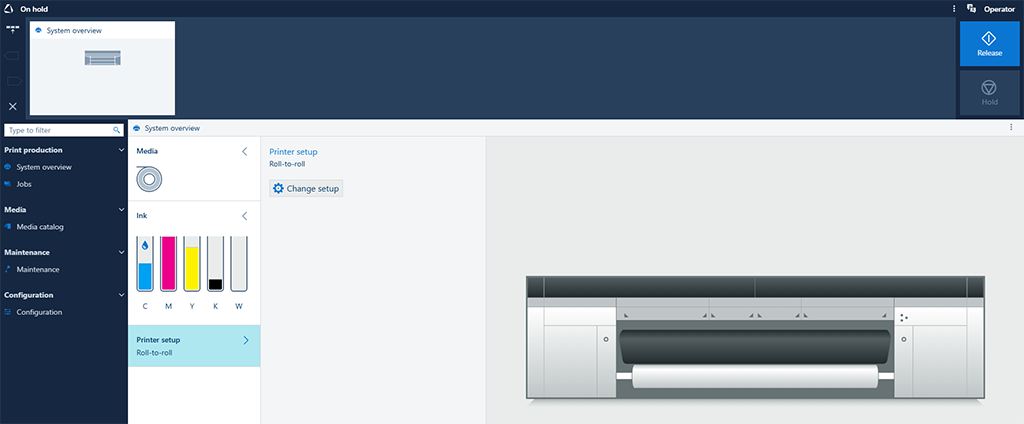
The [System overview] window on the user interface displays the current setup of the printer.
|
1 |
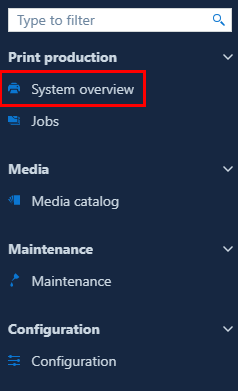
On the user interface, go to [System overview] to check the current setup of the printer. |
|
|
2 |
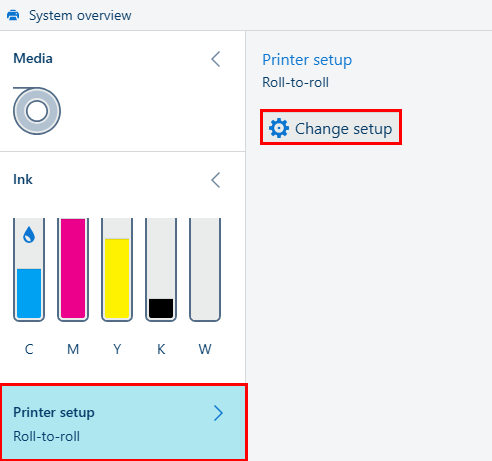
Go to [Printer setup], then [Change setup]. The printer setup changes immediately. |
|
|
3 |
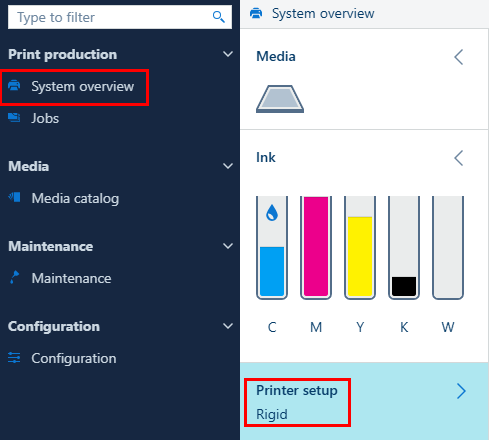
Under [System overview], check that the printer setup is now changed. |
|
|
4 |
After you change the setup, make sure that the printer is ready to print on the selected media type:
|