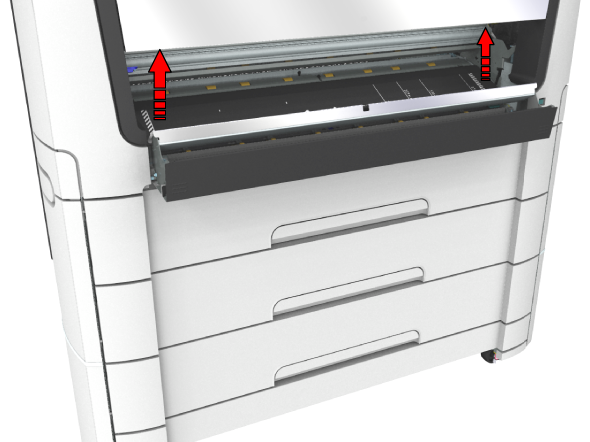
If a media jam occurs in the media bypass section, follow the help wizard on the user panel and take the following steps:
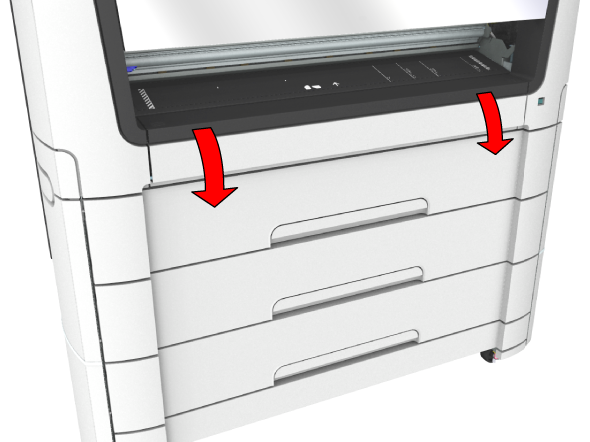
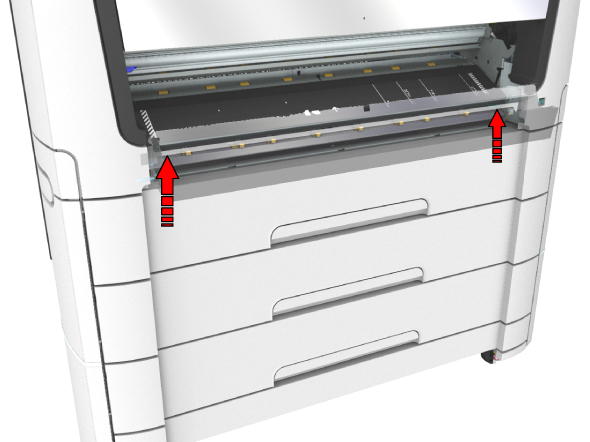
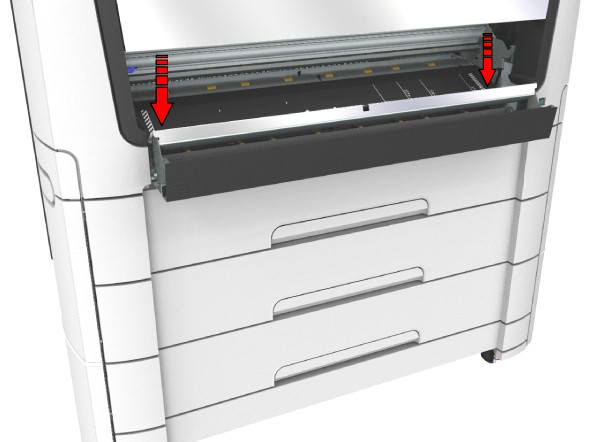
 NOTE
NOTE
When the material cannot be removed easily, open the upper back cover with the media jam clearance handle to access to the jammed material. For more information, see Clear a media jam in the heater section).