Introduction
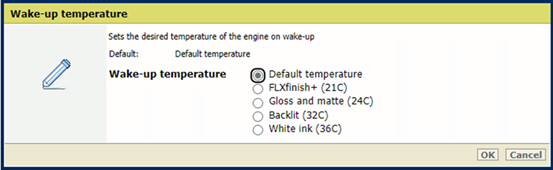
By default, the printer automatically warms up to the temperature that was used for the last print job. You can set a different wake-up temperature in the settings editor.
Procedure
-
Open the settings editor.
-
Click on [Wake-up temperature].
-
Select the print mode and temperature that you want to set as wake-up temperature.
-
Click on [OK].