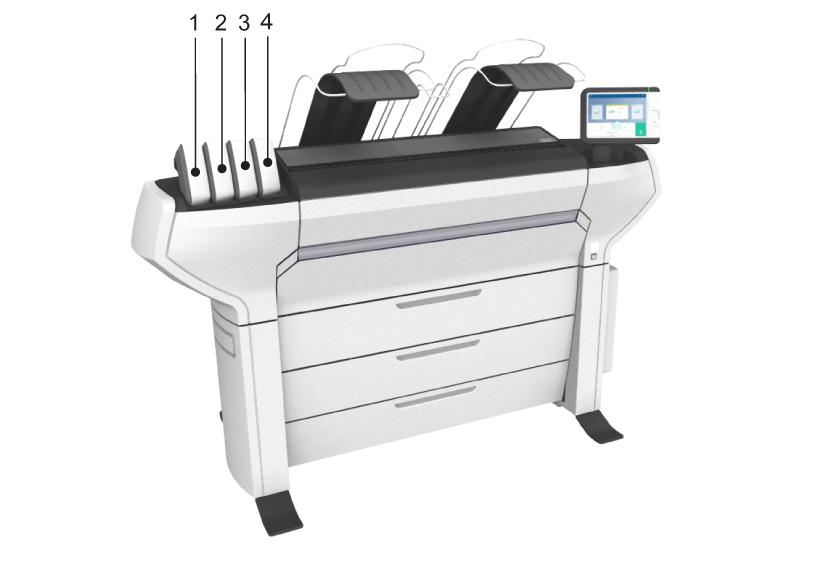
With the closed off toner cartridges, you can easily refill toner.
When a ‘Toner Low’ message appears on the user panel, you need to refill the toner. The message will be displayed until you refill the toner. Under normal conditions the printer can finish the current job, before it stops printing.
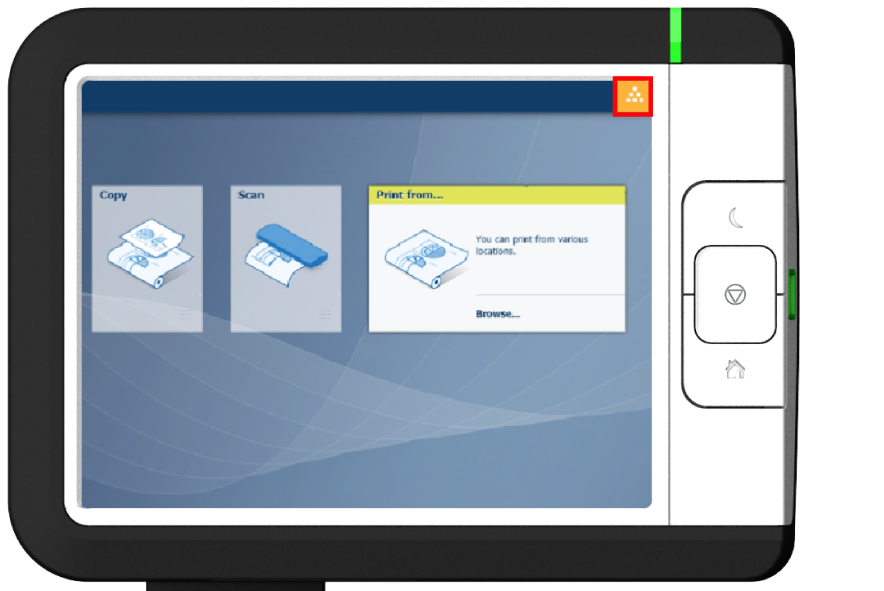
You cannot add toner while printing. Wait till the printer stops printing or abort the job.
You can leave the printer turned on when you refill the toner.
Make sure you use toner suitable for the colorWAVE T65.
When the printer is in roll-to-roll mode, you have to cut the media before you can replace a toner cartridge.
 NOTE
NOTE
Do not throw away the packaging of the new toner cartridge. The packaging is used as maintenance tray.
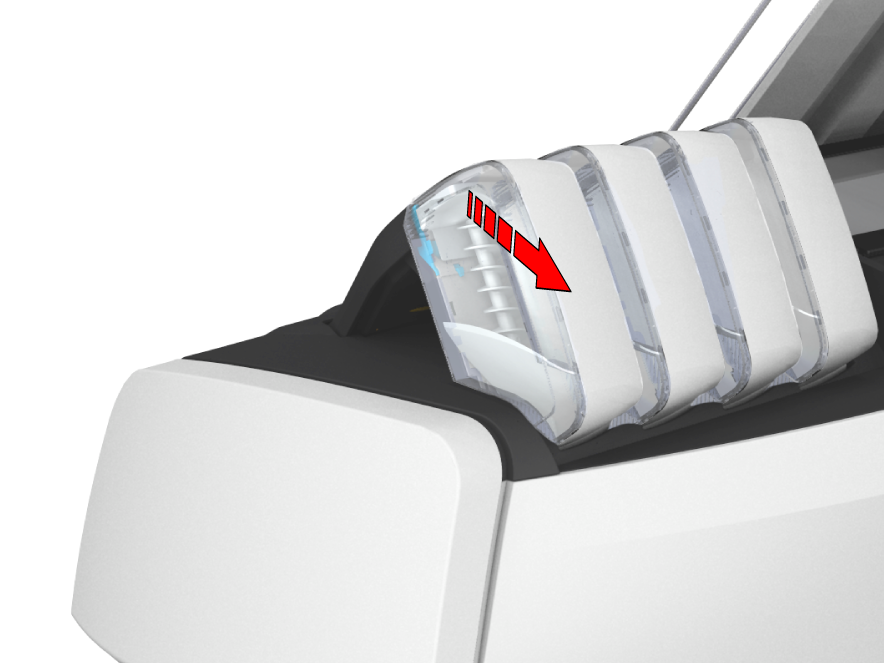
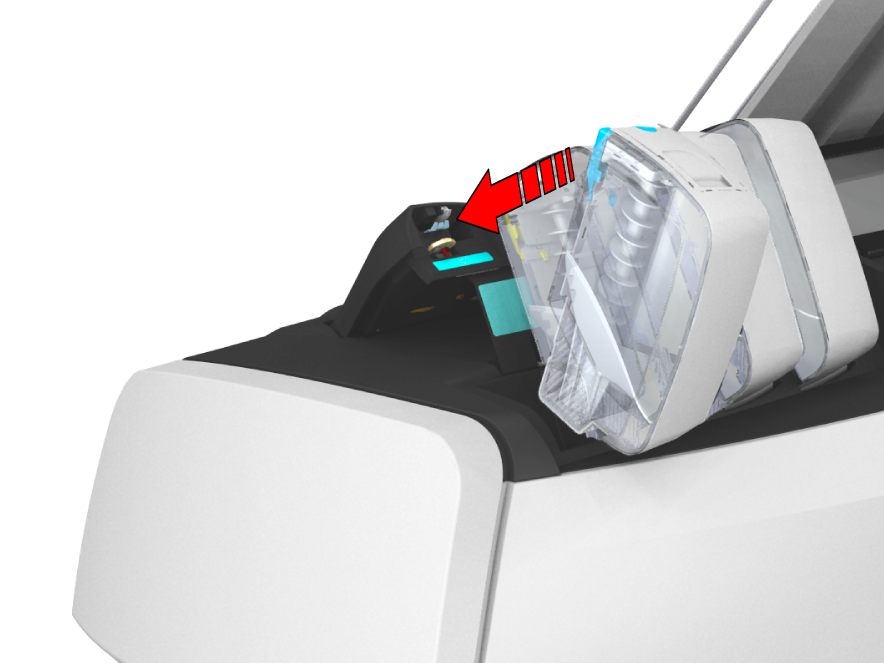
[1] cyan, [2] yellow, [3] black, [4] magenta.