
You can define how jobs are processed by default.
Open the Settings Editor and go to: .
 [Systemindstillinger] tab
Go to the [Udskrivningsarbejdsgange] and [Jobstyring] sections.
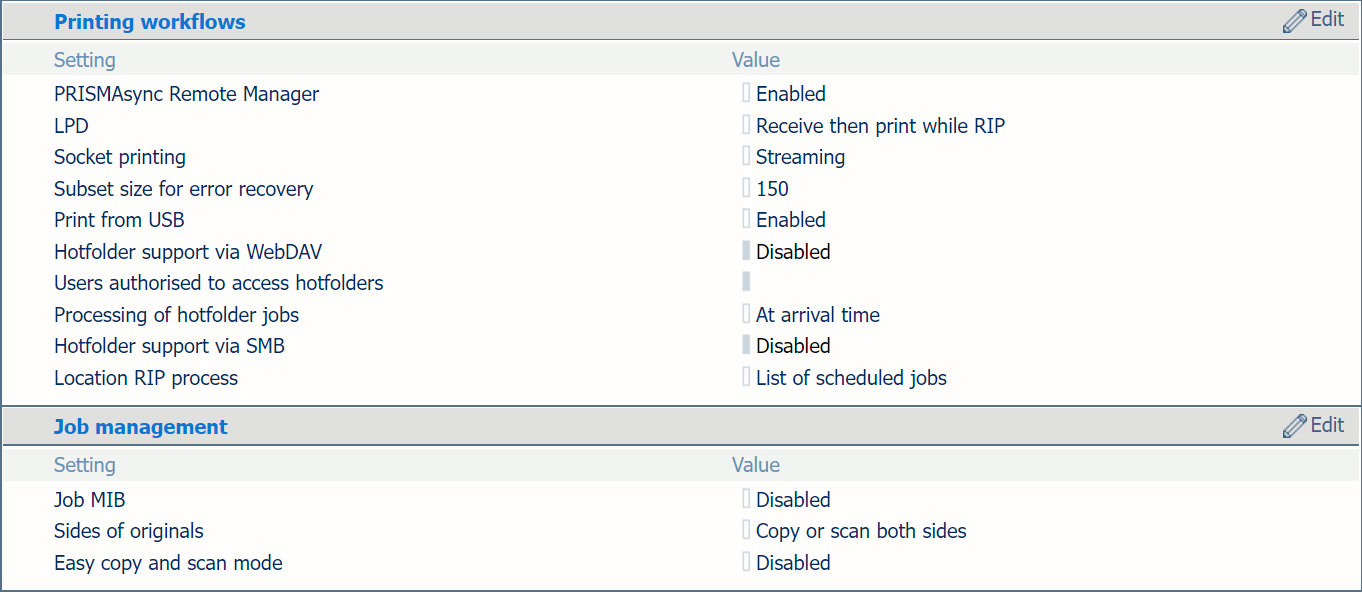 [Udskrivningsarbejdsgange] and [Jobstyring] sections
The printer protocol LPD can be enabled by the system administrator. The print protocol LPR must be installed on the workstation that submits the jobs.
Use the [LPD] setting to indicate when the RIP starts to process LPR jobs.
[Streaming] is applicable to large jobs. The job is processed by the RIP and printing can start at the same time.
[Modtag, udskriv under RIP] is the default value and is applicable to smaller jobs that have multiple sets. The RIP starts to process the jobs after they arrive in the print queue and before the whole job has been received.
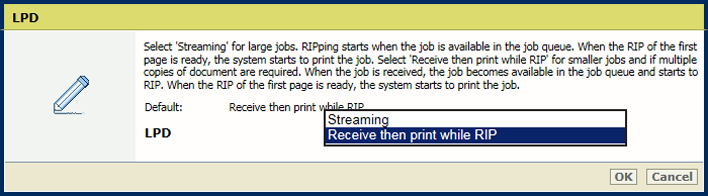 [LPD] setting
Socket printing can be enabled and configured by the system administrator.
Use the [Socket-udskrivning] setting to indicate when the RIP starts to process jobs that use the socket printing port.
[Streaming]: is default value and applicable to large jobs. The job is processed by the RIP and printing can start at the same time.
[Modtag, udskriv under RIP]: is applicable to for smaller jobs that have multiple sets. The RIP starts to process the jobs after they arrive in the print queue and before the whole job has been received.
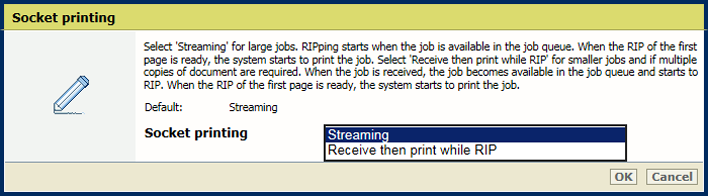 [Socket-udskrivning] setting
Use the [Undersætstørrelse for fejlretning] setting to define the number of pages that will be printed again after the error is solved.
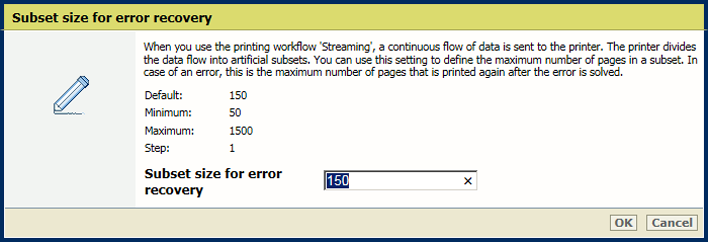 [Undersætstørrelse for fejlretning] setting
The system administrator can change the processing order of hotfolder jobs.
Use the [Behandling af hotfolder-job] setting to indicate how jobs are processed in the hotfolder.
[På ankomsttidspunkt]: job processing takes place when the job arrives in the hotfolder.
[Ordre baseret på jobnavn]: job processing takes place according to the alphabetical order of the job names.
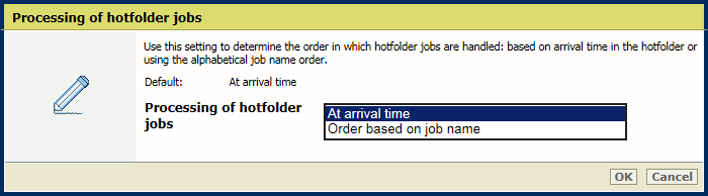 [Behandling af hotfolder-job] setting
Use the [Udskriv fra USB] setting to indicate whether printing from a USB drive is allowed.
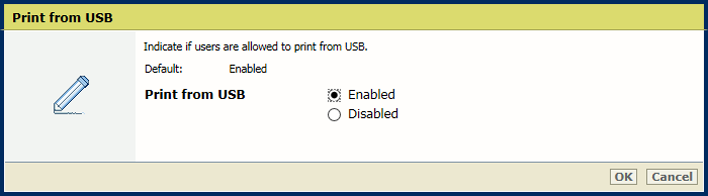 [Udskriv fra USB] setting
Use the [Placering af RIP-process] setting to indicate where the RIP processes jobs when they arrive in the print queue.
[Alle placeringer]: the RIP can process jobs in all job destinations.
[Liste over planlagte job]: the RIP can only process jobs when they are in the list of scheduled jobs.
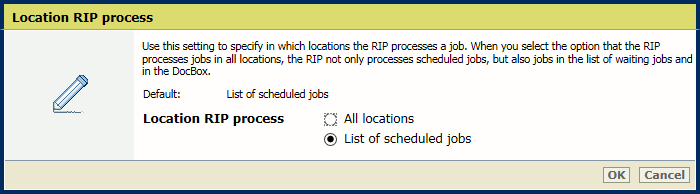 [Placering af RIP-process] setting
Use the [Job MIB] setting to indicate if remote monitoring of jobs via SNMP is allowed.
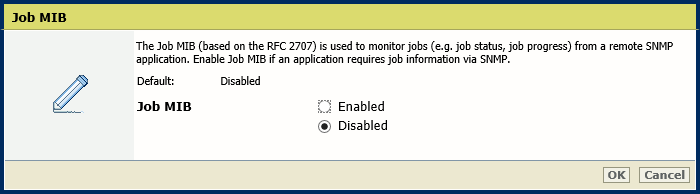 [Job MIB] setting
Use the [Sider af originaler] setting to indicate if originals have information on one or both sides.
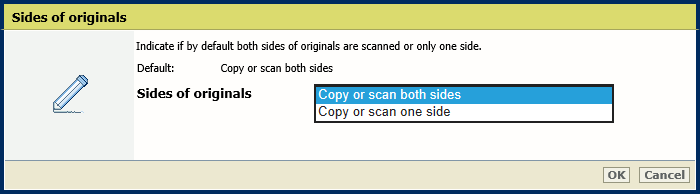 [Sider af originaler] setting
Use the [Nem kopiering og scanning (tilstand)] setting to indicate that you want to enable the easy copy and scan mode.
[Aktiveret]: the last used job template will be re-opened when the operator starts a new copy or scan job.
[Deaktiveret]: the last used job template will close when the operator starts a new copy or scan job.
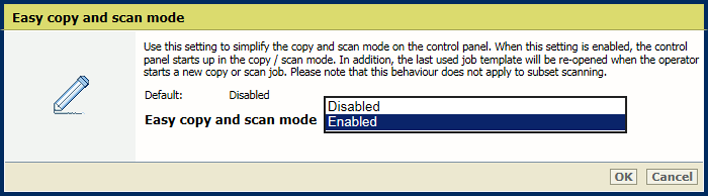 [Nem kopiering og scanning (tilstand)] setting