
As mentioned in the previous section, you'll first need to determine the required connection type, which depends on both the controller and the application you're using.
Once you have confirmed that you need to use the Internal Cloud Connector of PRISMAsync follow the instructions below
Log in to PRISMAsync.
 NOTE
NOTE
You need to have [Access to connectivity settings] rights. By default, only the [System administrator] has these rights.
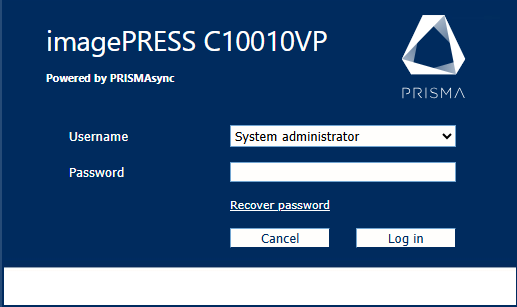 PRISMAsync login
Open the Settings Editor within PRISMAsync on the printer and go to .
 [Connectivity] tab
Go to the [Cloud service] section.
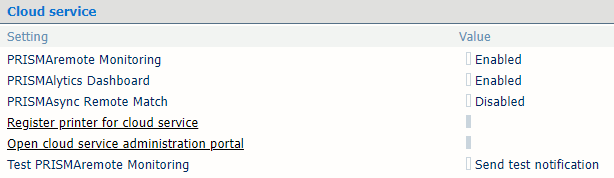 [Cloud service] section
Enable the [PRISMAlytics Dashboard] setting.
Click the link [Register printer for cloud service].
You will be redirected to the PRISMA Home login page.
Use the credentials of your tenant admin to have the device registered.