
The colorWAVE T65 is delivered with a Top Delivery Tray to collect your printed output.
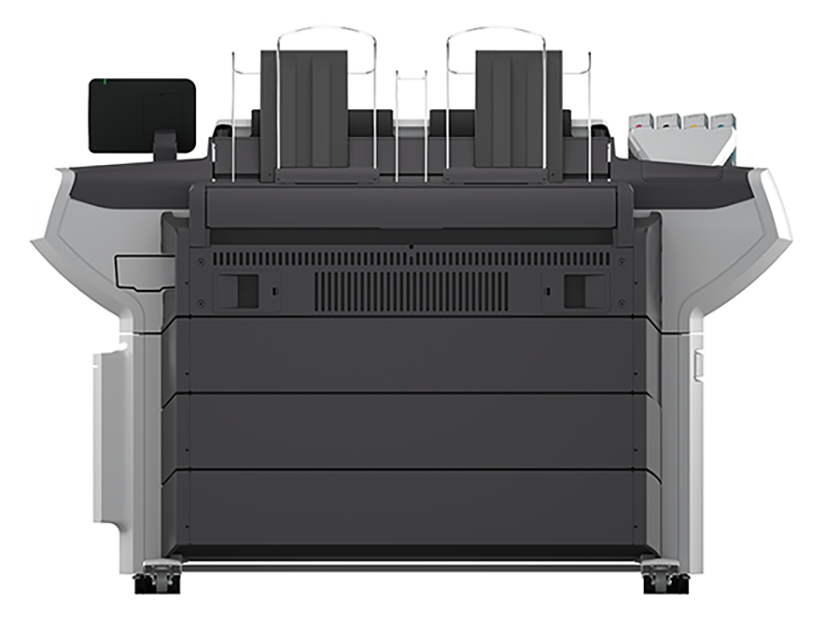
The Top Delivery Tray can collect 50 - 100 plain paper prints with a maximum length of 1200 mm, 48 inch. The media type you use influences the output capacity.
In WebTools Express you can define the default [Print delivery] for your printed output. To set the default [Print delivery], select the [Preferences] - [Print job defaults] tab.
If you use 2 inch media cores instead of the standard 3 inch media cores, the printed output is automatically delivered at the back of the printer. The installation of one of the finishing options is then advised.
Some media require a specific output delivery. For example heavy media or media that requires a manual cut can automatically be delivered at the back of the printer. This is defined in the properties of the media type.
When you select [Top Delivery Tray (TDT)] your printed output is by default delivered in the standard Top Delivery Tray.
If you select [Back output], your printed output is by default delivered at the back of the printer. In that case you can expand your printer with one of the following finishing options.
See also Select the finishing device configuration
|
[Receiving rack (basket)] |
Illustration |
|---|---|
|
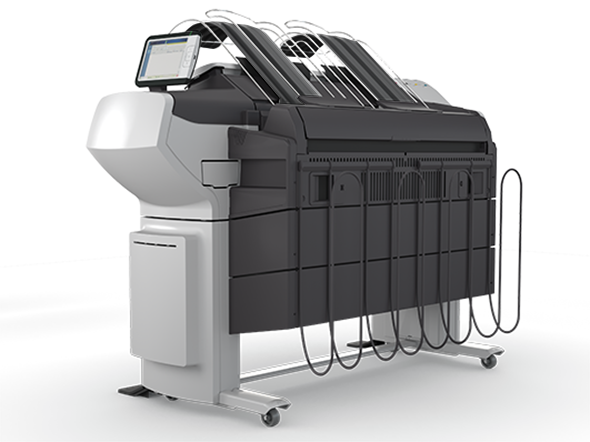
The [Receiving rack (basket)] is hooked at the back side of the printer. It can collect 2 - 5 prints. The [Receiving rack (basket)] bends the printed output. Not all media types are appropriate for this finishing option.  NOTE NOTE
The [Receiving rack (basket)] is not supported in combination with the folding device, take-up module or Stacker Select. |
|
|
Folding device |
Illustration |
|---|---|
|
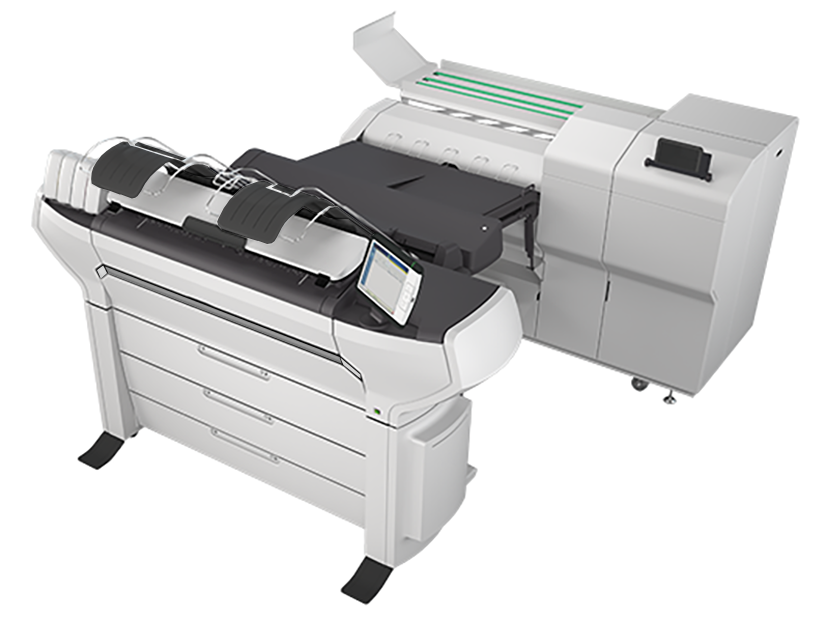
The folding device is an automatic folding device that folds large sized plots. NOTE
|
|
|
Stacker Select |
Illustration |
|---|---|
|
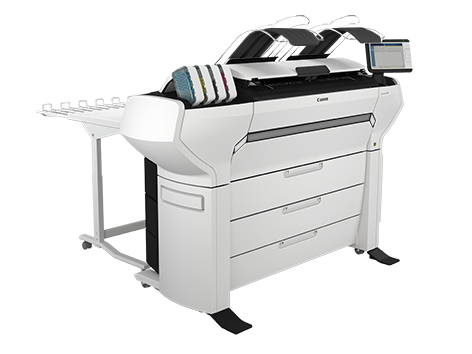
The Stacker Select is a flat tray behind the printer. The stacker can collect a maximum of 400 D-size/A1 prints (75 grams). NOTE
The Stacker Select is not supported in combination with the [Receiving rack (basket)], folding device or take-up module. NOTE
A technician is required to install the Stacker Select and configure the system. For the Stacker Select documentation is available on the download website (http://downloads.cpp.canon). |
|
|
Take-up module (TUM) / Roll Wind module (RWM) |
Illustration |
|---|---|
|
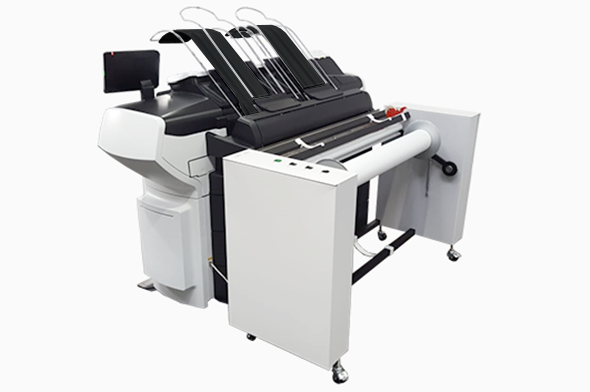
The take-up module and the Roll Wind module enable you to wind up your print job on a roll without cutting. This can be handy when you want to transport your prints or want to finish your prints at a later time. When your machine is equipped with the take-up module or the Roll Wind module, you must first put the machine into the roll-to-roll mode. You can enable the roll-to-roll mode in WebTools Express and on the user panel. NOTE
The take-up module and the Roll Wind module are not supported in combination with the [Receiving rack (basket)], folding device or Stacker Select. See The take-up module (optional) and the Roll Wind module (optional), Configure the roll-to-roll mode in WebTools Express and Configure the roll-to-roll mode |
|