
 [System settings] tab
Open the Settings Editor and go to: .
Go to the [Accessibility] section.
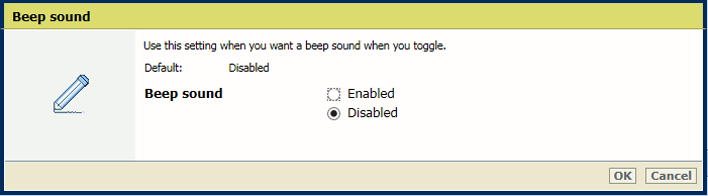 Beep sound
Use the [Beep sound] setting to enable or disable the beep sound.
Click [OK].
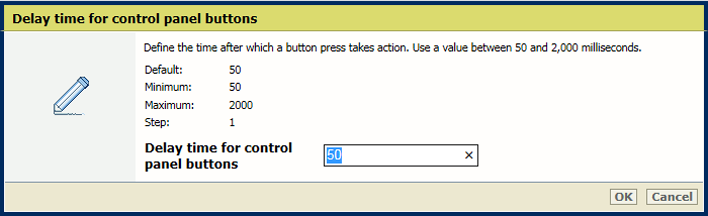 Delay time
Use the [Delay time for control panel buttons] setting to define the time after which a button press takes action.
Click [OK].
 Use of mouse
Use the [Mouse usage] setting to enable or disable the use of the mouse.
Click [OK].
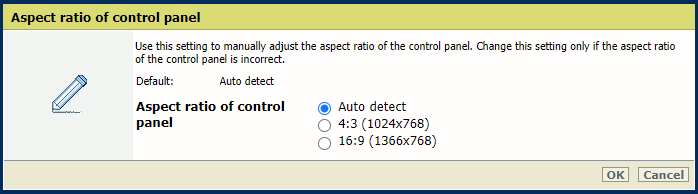 Aspect ratio of control panel
Use the [Aspect ratio of control panel] setting to manually adjust the aspect ratio of the control panel. Change this setting only if the aspect ratio of the control panel is incorrect.
Click [OK].