
The [Collect] and [Analyze] tabs can be freely browsed without a service visit being active. The [Worklist] is empty.
When you are ready to begin, press the [Start visit] button located in the toolbar.
For the first visit, the device needs to be installed.
You will be greeted by the [Printer installation] pop-up, asking you to confirm the action.
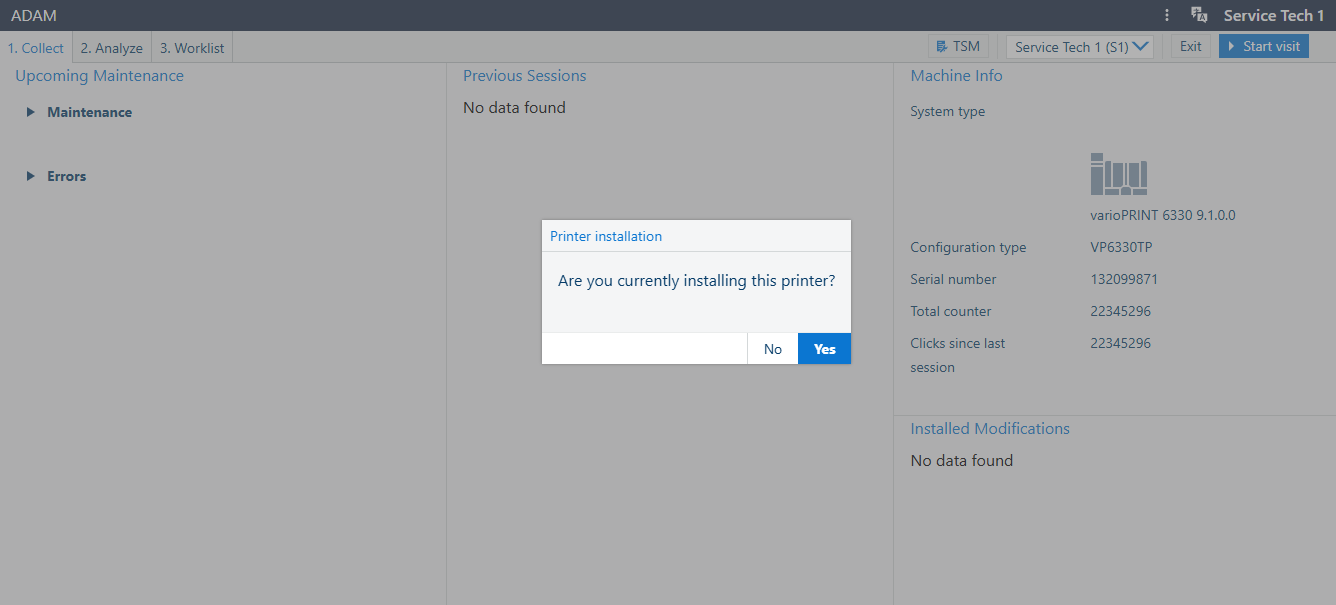
Confirm by pressing "Yes".
Press the [Start visit] button.
The dialog [Start service visit] pops up:
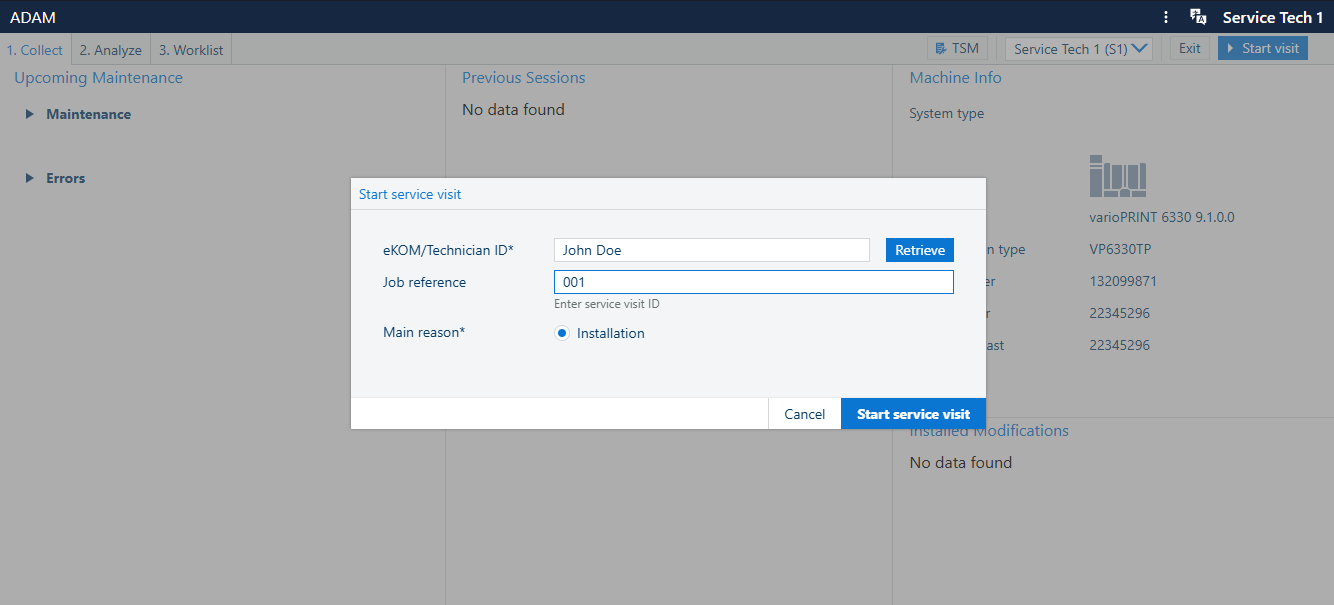
The only possible [Main reason] in this case is [Installation].
Press the button [Start service visit]
When you consider the installation finished, select the resolution for the action:
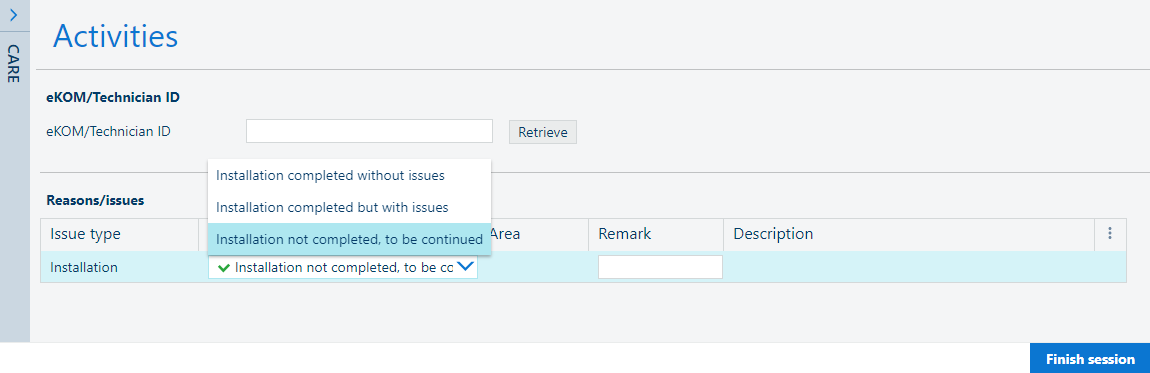
If everything went OK: press the
 [Completed] button
If the installation did not succeed: press the
 [Incomplete] button, hidden under [More]
When the installation was performed, but with some issues: press the
 [Completed with issues] button, hidden under [More]