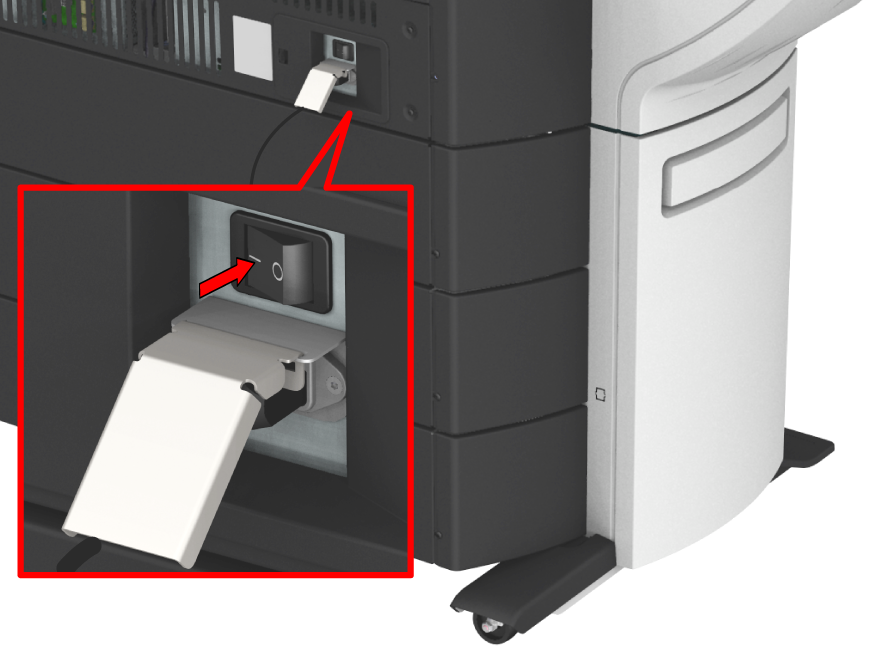
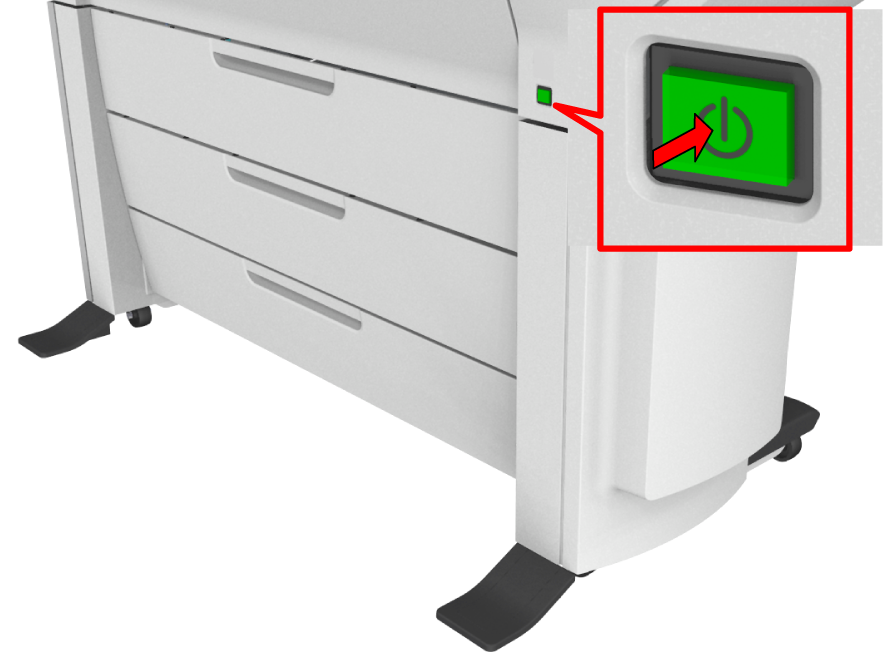
Make sure the mains supply cable is plugged in.
Make sure the network cable is plugged in.
For more information, see Connect the mains supply cable and the network cable

 IMPORTANT