
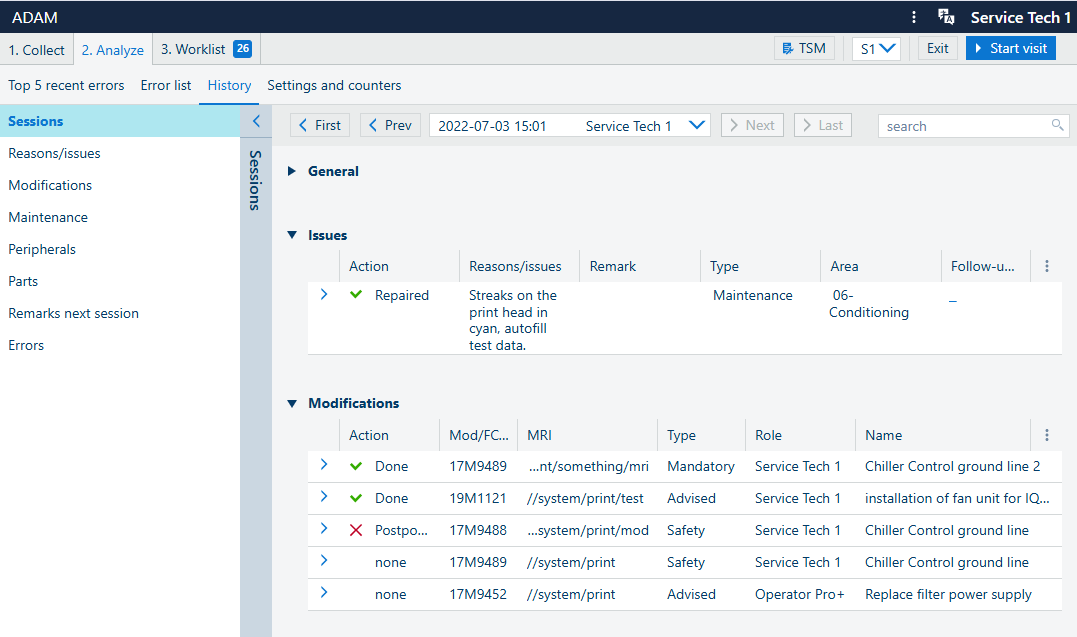
In the History screen you see the history of all previous service visits. For each previous service visit, you will find all relevant information.
In the top right corner, you can select subcategories to filter the information, or you can select the information about the previous service visit that you are interested in.
Depending on the amount of information needed to displayed, it could be very long. Use the left-hand side tree to navigate directly to one of the subsections in :
[Sessions]
[Reasons/issues]
[Modifications]
[Maintenance]
[Parts]
[Remarks next session]
[Errors]
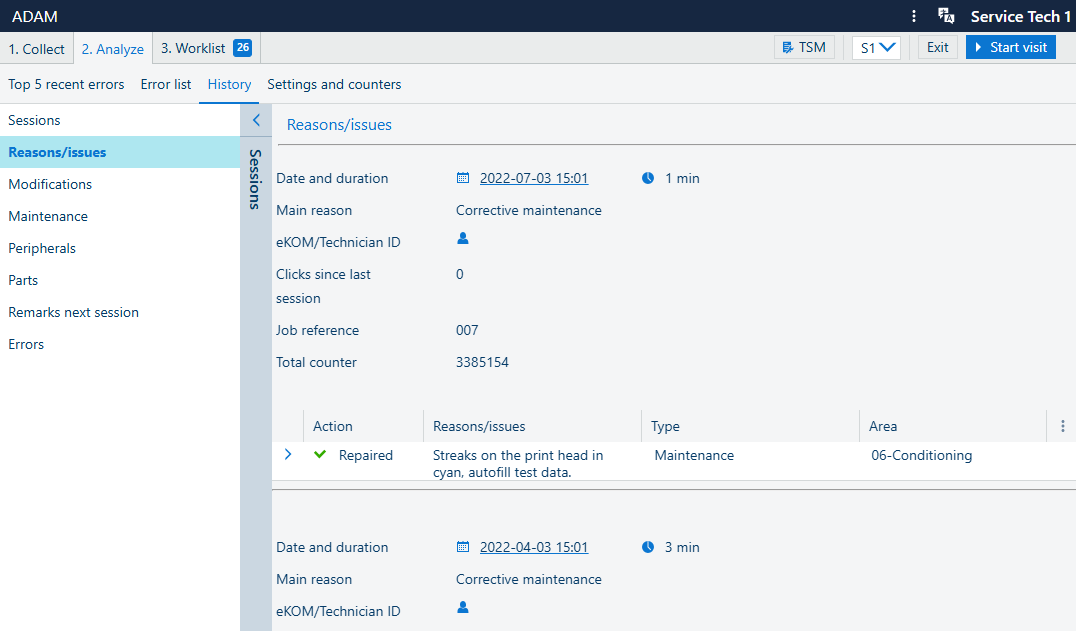
This example shows the result for [Reasons/issues]. You see a list of all previous entries of this category.
 NOTE
NOTE
"[Second visit] " can also be listed as a reason. For more information, see Logging a second visit.