
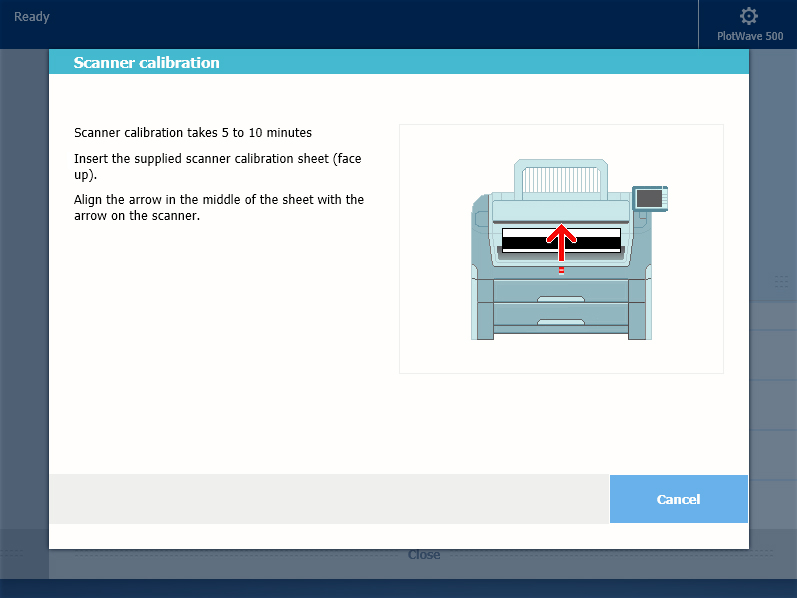
You can calibrate the scanner when you are not satisfied with the copy or scan quality. Use the calibration wizard to calibrate the scanner.
Clean the scanner before you start the calibration procedure. Dirty parts of the scanner cause copy and scan quality to decrease. For more information, see Clean the scanner.
 IMPORTANT
Handle the calibration sheet with care.
Do not touch the black area of the calibration sheet with your fingers.
Before you use the calibration sheet, wipe off any dust from the calibration sheet.
 NOTE
NOTE
[Calibrating the scanner takes between 5 to 10 minutes.]