
The [Printers overview] app allows you to see the overview of your printers that are registered in PRISMA Home.
To open the [Printers overview] app, click the app menu and select [Printers overview].
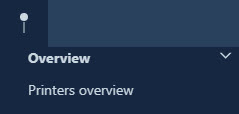 [Printers overview] app
There are three selection options in the [Printers overview] app.
You can select a predefined period or define a custom period for which you want to display the information.
 Date range
You can view the printers all at once to compare the performance of printers. You can also click a specific printer to view more detailed information about this printer.
 All printers view
When you have selected a specific printer, you can switch between the views: [Detailed information] view, [Trends] view, [Timeline] view, and [All media] view.
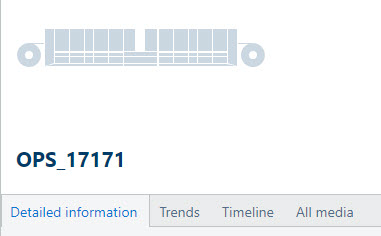 Available views
You can export the data of all printers in the [Printers overview] as a CSV file. To export the data, click the [CSV] button.
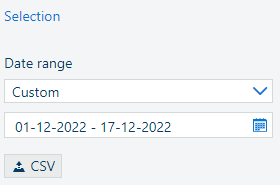 [Export data to CSV]
 The CSV file contains data per day for the selected interval. The data is raw, and the metric system of measurement is used.