
This topic contains the following instructions.
Go to the accessibility settings
Enable a beep sound during toggling
Adjust the delay time of a button press
Enable the use of the mouse to operate the control panel
Open the Settings Editor and go to: .
 [System settings] tab
 Accessibility settings
Use the [Beep sound] option to enable or disable the beep sound.
 Beep sound
Click [OK].
Use [Delay time for control panel buttons] option to define the time after which a button press takes action.
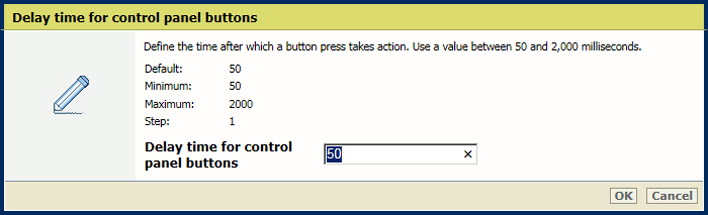 Delay time
Click [OK].
Use the [Mouse usage] option to enable or disable the use of the mouse.
 Use of mouse
Click [OK].