
This section contains two sets of principles that must be followed to ensure maximum safety when operating your Colorado XL-series printer. The first set uses negative examples to show you things to avoid in order to prevent injury to the operator. The second set of principles illustrates residual risks that are inherent in the operation of the printer. These are situations or physical aspects of the printer that may present a potential danger to the operator, but would compromise the capabilities of the printer if changed. Therefore, they are pointed out as a precaution the operator must be aware of when using the printer.
|
Avoid these Situations For Your Personal Safety |
|
|---|---|
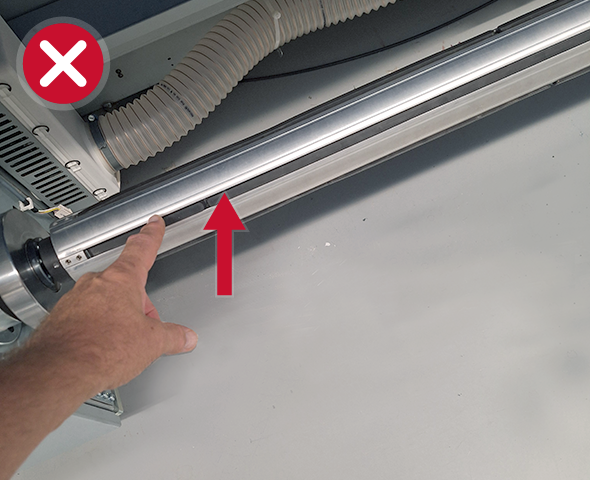
|
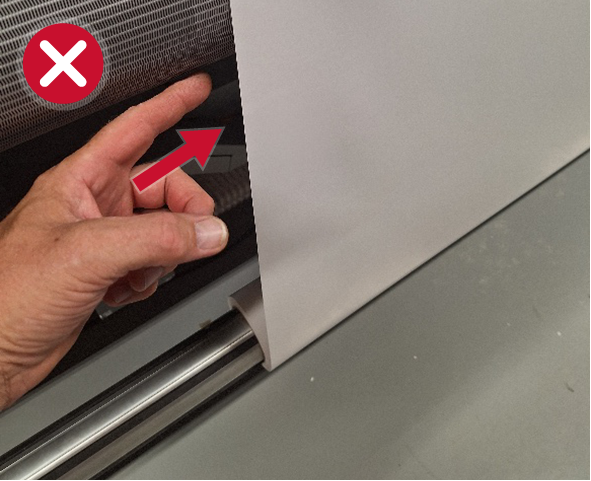
Do not touch the media core when the printer is switched on, unless shown on the user interface. It could start rotating. |
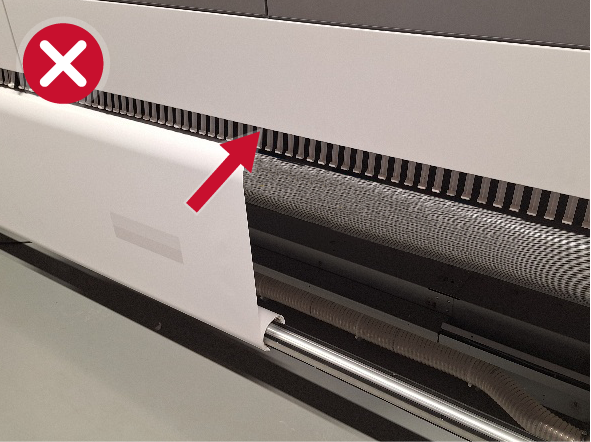
|
Do not push your hand inside the machine. |
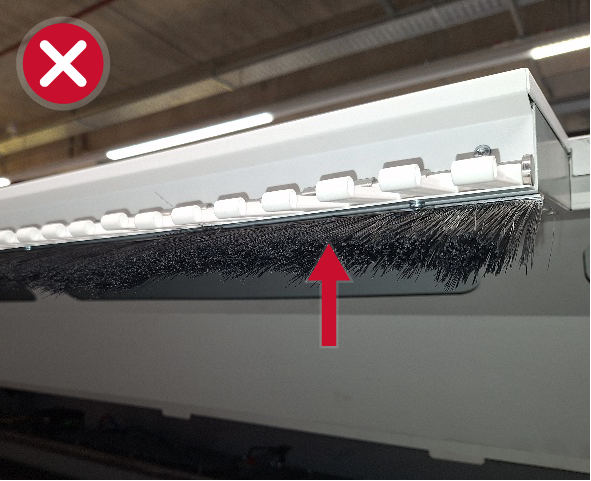
|
 CAUTION CAUTION
Do not print when brushes or fingers are damaged. Call service immediately. If the printing process is in progress, stop printing. |
Your Colorado XL-series printer is engineered to minimize machine components and operating procedures that may compromise operator safety. However, in order to maintain some machine operations and functionality, certain compromises are required. The following table shows these residual hazards. By making the operator aware of the potential risks, we aim to ensure maximum safety in the operation of this printer.
|
Hazard |
Residual Risk Area |
|---|---|
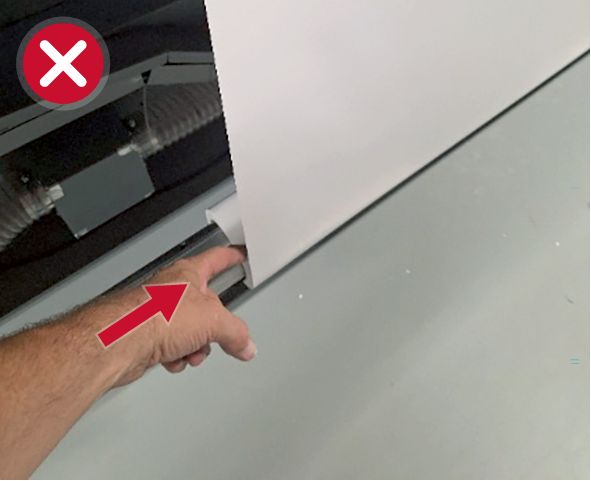
|
CAUTION
A low risk crushing hazard is created by the movement of the NIP on the roll on the input side during reverse winding. Keep your hands away from this area unless the printer power is off. |
|
|
CAUTION
A low risk crushing hazard is created by the movement of the NIP on the roll on the output side during the print process or during reverse winding. Keep your hands away from this area unless the printer power is off. |
|
CAUTION
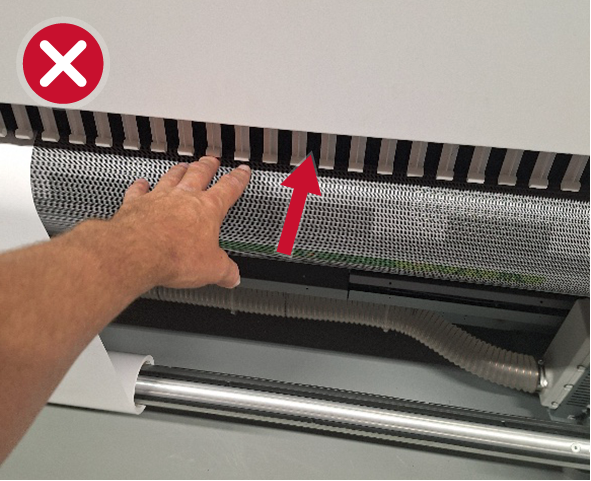
A crushing hazard is created by the movement of the media onto the print surface on both the output and the input side. Keep your hands away from this area unless the printer power is off. |
|
CAUTION
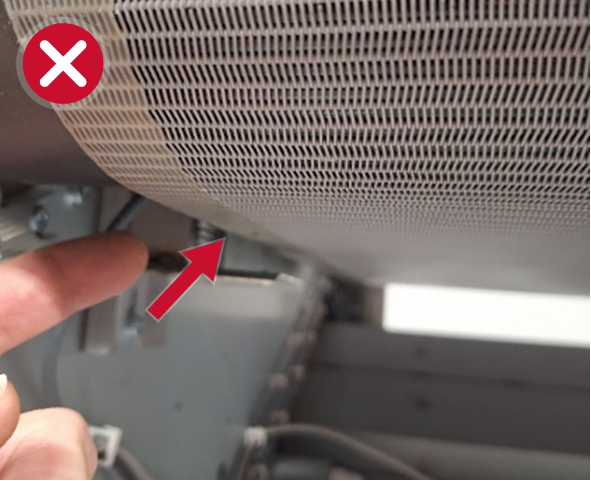
Do not reach below the print surface. A risk NIP/crushing/pinch hazard is created by the belt and the roller carriage. |
|
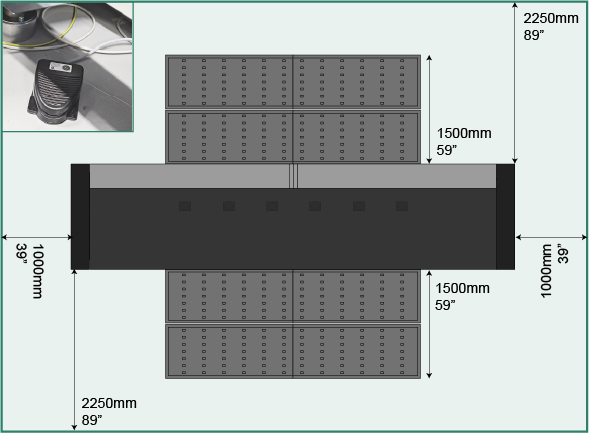
Foot pedals must be placed in the operational area of machine to assure complete visibility on the machine. |
|
Inside the machine, parts are moving. Even if a lever is broken, do not enter the machine because of a crushing hazard created by the movement of the carriage. Keep hands away from this area unless the printer power is off. |
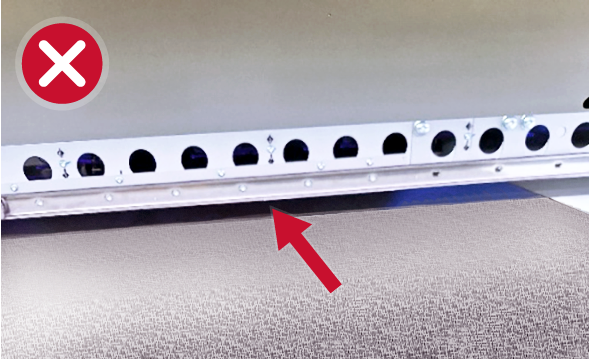
|
A crushing hazard is created by the movement of the carriage behind the beam. Keep hands away from this area unless the printer power is off. |
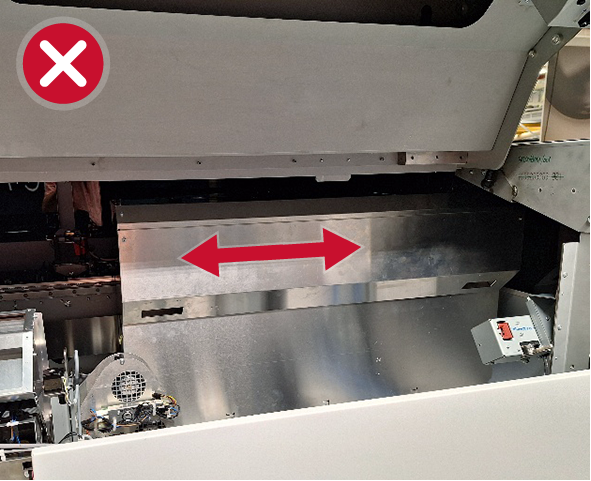
|
Do not push the carriage to another position unless explicitly shown on the user interface. |
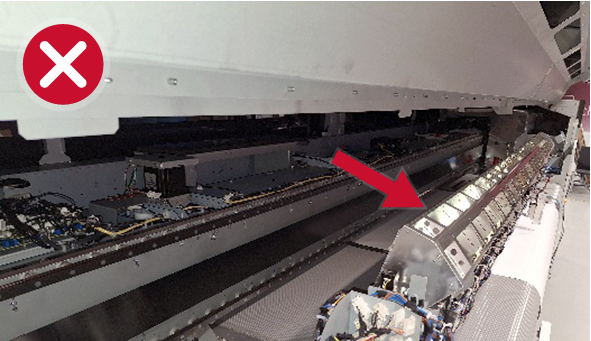
|
Do not touch the mirror of the curing beam. It can be hot or polluted. |
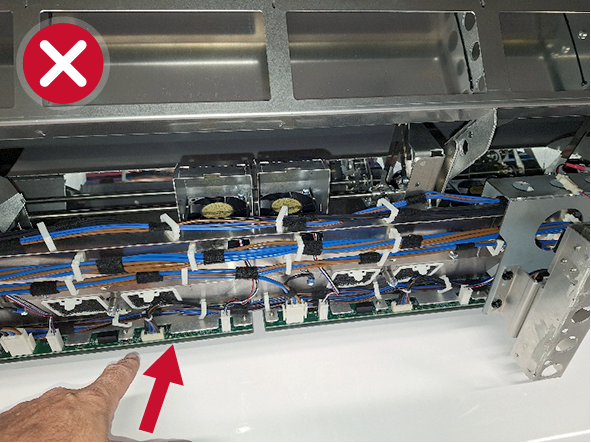
|
Do not touch the Print Wiring Board (PWBs) on the Page Wide Curing Beam. They can be polluted. |
|
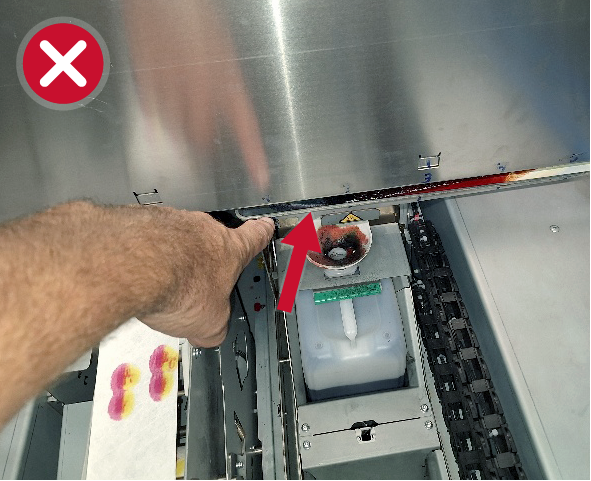
Do not touch the purge tray. The purge tray is very hot! Do not touch, unless requested via the user interface. A waiting time of 10 min is required to cool down. Always use gloves when touching the purge tray or the environment. |
|
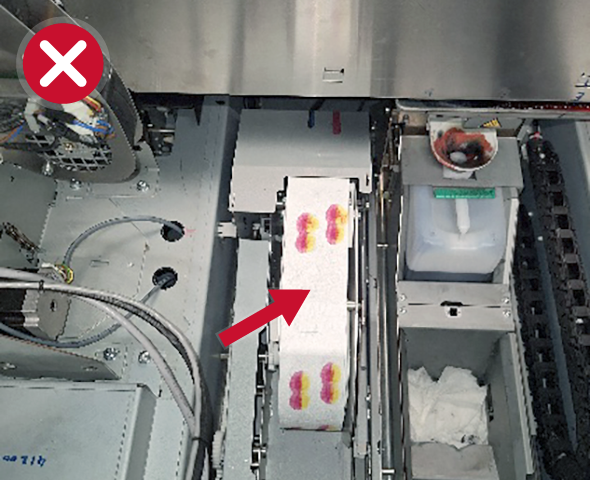
Do not touch the tissue of the cleaning roll. It is polluted with uncured ink. |
|
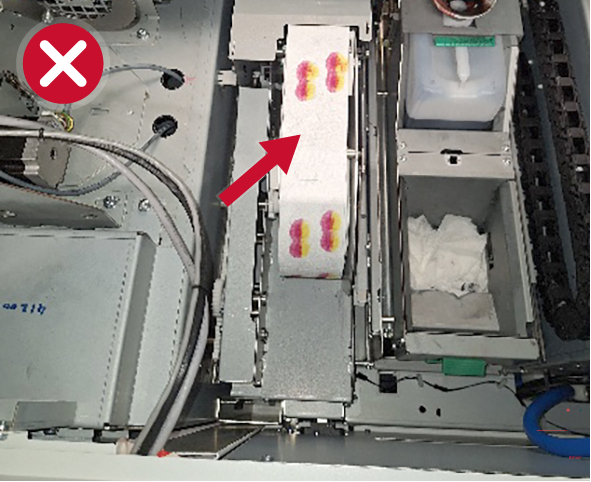
When replacing the tissue cassette do not touch the tissue of the cleaning roll. It is polluted with uncured ink. |
|
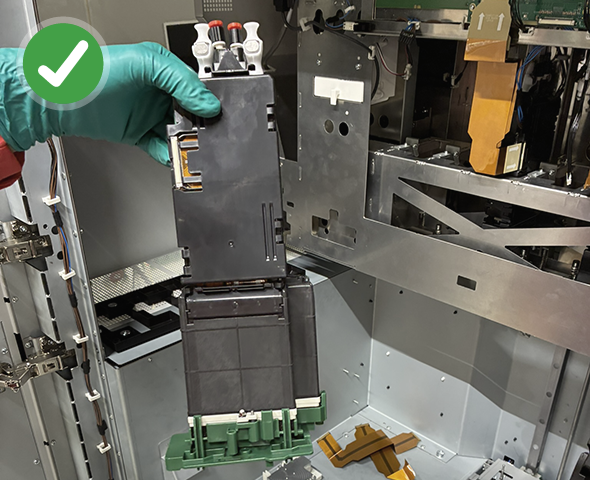
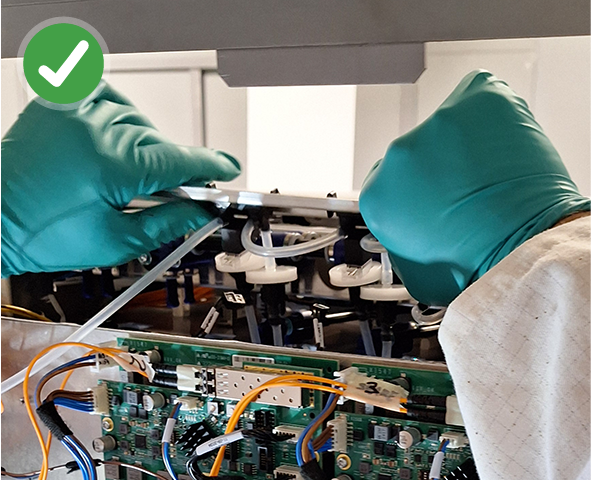
Always wear protective gloves, glasses and sleeves when changing a printhead. |
|
Always wear protective gloves, and protective clothing when changing an air filter inside the printer according to the instructions. |