
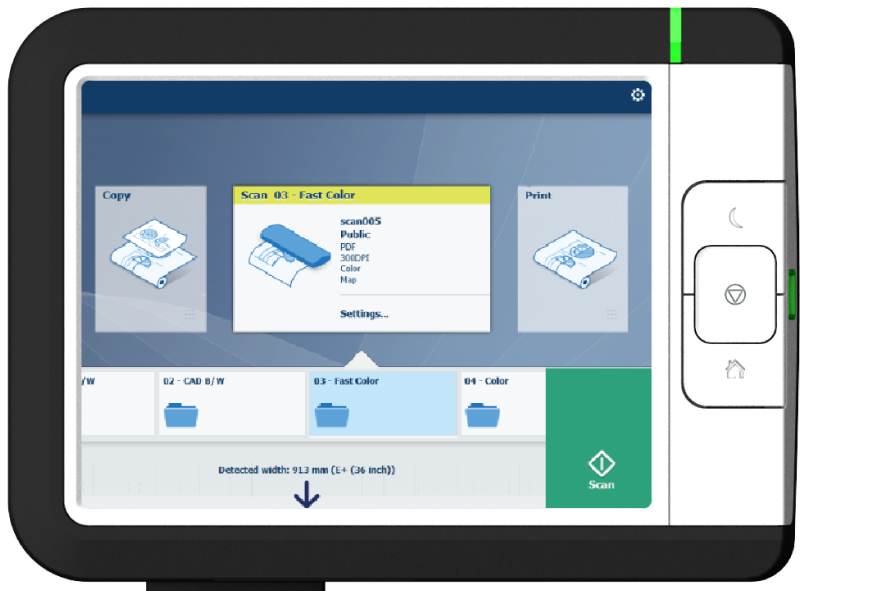
When you want to scan an original and you do not make any settings the default templates are used. You only use the Smart Access to submit your job.
You can see an overview of the template settings that are used in the job settings section of your job.
 NOTE
NOTE
Tap on [Release the original] under the Smart Access to release your original from the scanner.
A scan to file is made, and sent to the location defined in the template.
You can also see the job under [Recent scans] on the user panel and in the Scan queue in WebTools Express. In both places, a progress indicator shows the progress of the upload of the job.
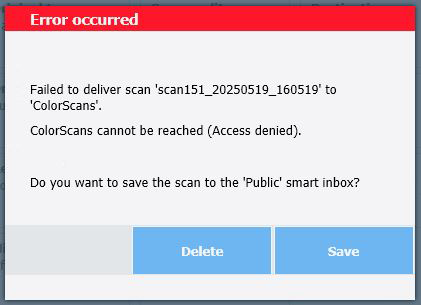
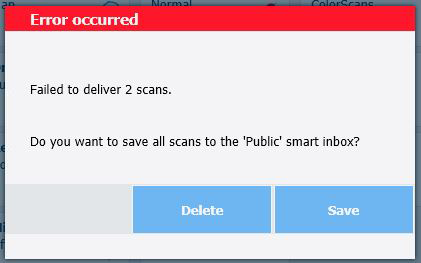
If one or more scan jobs fail to be uploaded while the user is still logged in, a pop-up screen will be displayed.
You can delete these jobs, or save them to the 'Public' smart inbox. Depending on the reason, you can also retry the upload.
Example for a failed scan to an external location:
Example for multiple failed scans to an external location:
In case the user is no longer logged in when the upload fails, the jobs will be automatically deleted.