
Each entity in the [List of sales offices] has a separate list of applications. While the list of [Applications available] is distributed from top (HQ) to bottom, the list of tenants is not shared with the parent organization.
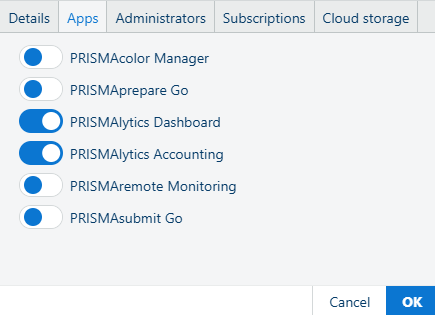
Use the [Apps] pane to grant or revoke access to a particular app to the selected tenant.
Navigate to the .
Click one of the entries in the list to select a tenant.
Select the [Apps] tab in the right side of the list.
Set the state of the radio-button control to on or off to enable or disable the tenant access to the app.
Click [OK].