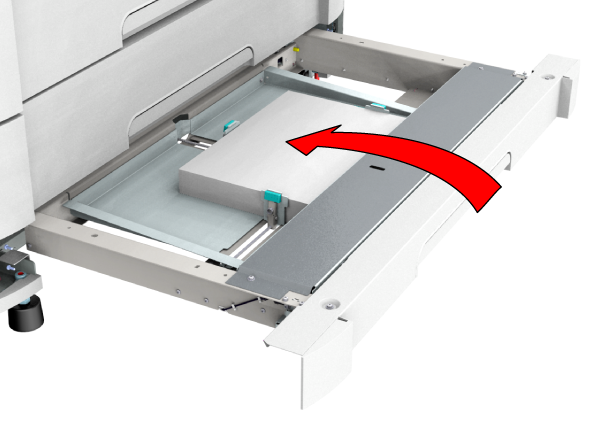
Next to media rolls you can also load cut sheet media in the cut sheet tray.
 IMPORTANT
When you load new media when the drawer is not entirely empty, remove all remaining media from the drawer first. Avoid the risk of shifting media out of place and creating a media jam.
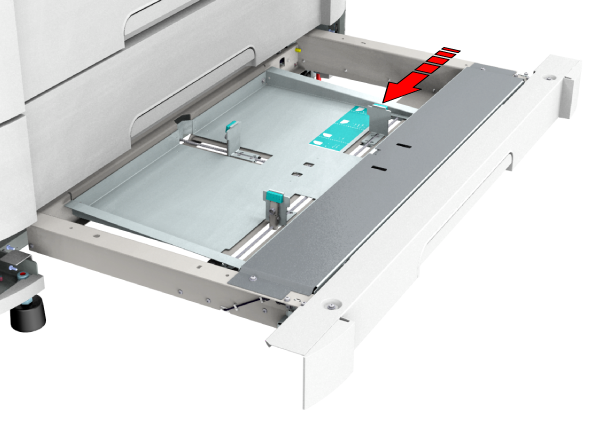
Make sure that the handle is properly aligned with the right media size.
 NOTE
NOTE
You can check if the material is properly loaded by looking through the view holes in the tray.