
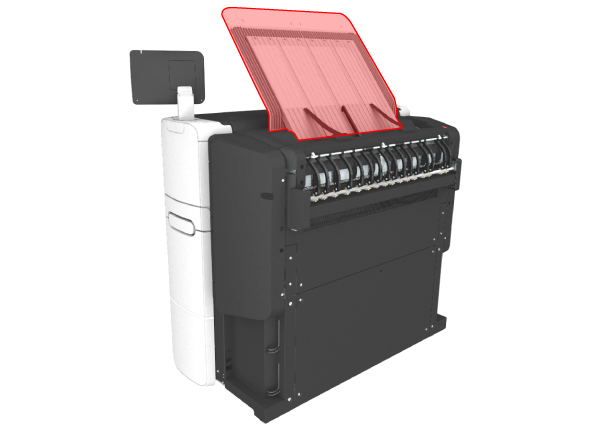
The printer is equipped with a top delivery tray to collect your printed output.
In WebTools Express and under [Show all settings] on the user panel you can define the delivery destination for your printed output.
When you select [Top Delivery Tray] and you use plain or transparent paper, your printed output is by default delivered face-down in the Top Delivery Tray. If you use a different media type, the printed output is always delivered at the back of the printer.
The Top Delivery Tray can collect up to 100 prints. When the sensor detects that the delivery tray is full, the printer will stop printing. The message [The Top Delivery Tray is full. Remove the printed output.] appears on the user panel. Remove the paper to continue printing.
If you select [Back output], your printed output is by default delivered at the back of the printer. In that case you can expand your printer with one of the following finishing options.
|
Folding device |
Illustration |
|---|---|
|
The folding device is an automatic folding device that folds large sized plots.  NOTE NOTE
|
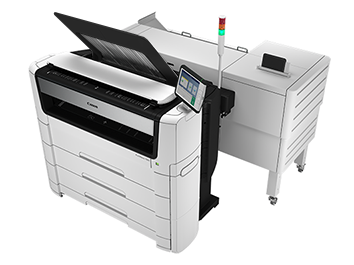
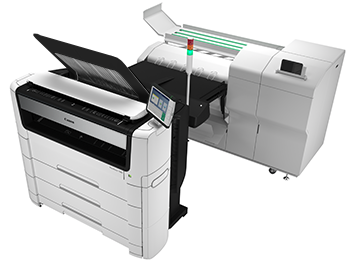
|
|
Stacker Select |
Illustration |
|---|---|
|
The Stacker Select is a flat tray behind the printer. The stacker can collect a maximum of 400 D-size/A1 prints (75 grams). NOTE
The Stacker Select is not supported in combination with the folding device. For the Stacker Select documentation is available on the download website (http://downloads.cpp.canon). |
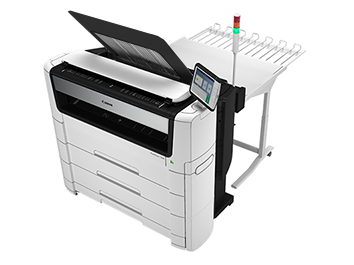
|
|
Media name |
Compatible with the Top Delivery Tray |
|
|---|---|---|
|
Paper 60 g |
Yes |
|
|
[Bond 17 lb] |
Yes |
|
|
[Bond 20 lb] |
Yes |
|
|
[Bond 20 lb] |
Yes |
|
|
[Recycled bond 20 lb] |
Yes |
|
|
[Bond 24-28 lb] |
Yes |
|
|
[Transp. 20 lb] |
Yes |
|
|
[Transp. 24 lb] |
Yes |
|
|
Media name |
Compatible with the [Top Delivery Tray] |
|---|---|
|
[Film 3.5 mil] |
No, delivered to the [Back output] |
|
[Film 4.5 mil] |
No, delivered to the [Back output] |
|
[Translucent] |
No, delivered to the [Back output] |
|
[Vellum] |
No, delivered to the [Back output] |