
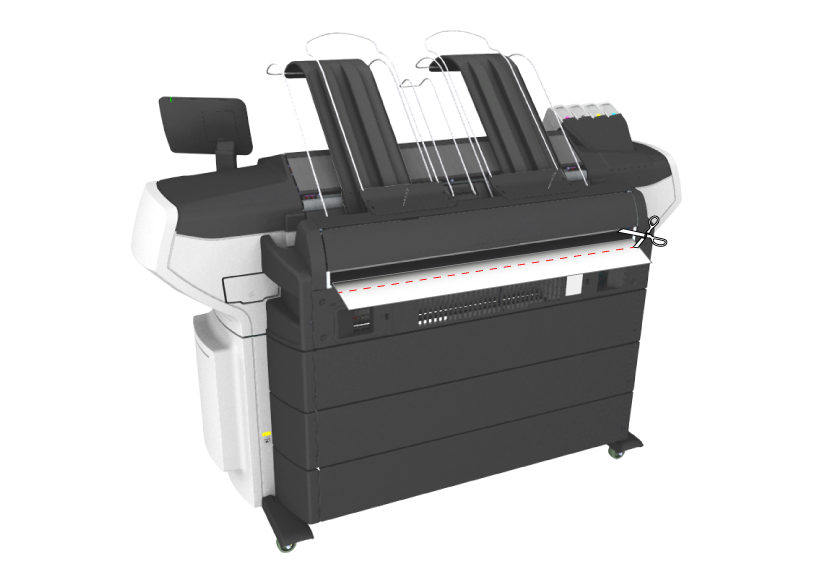
When custom media is used, you can be requested to manually cut the media at the back output.
Use the supplied knife, or any other knife or pair of scissors that is sharp enough, to cut the media.
The printer transports the media. A small strip is visible at the back output.
 IMPORTANT
Check any obstacles blocking the cutting path. Make sure you do not cut any cables or other components.