
When the system is in roll-to-roll mode you can cut the media after a job is finished.
 NOTE
NOTE
You can only cut the media automatically when the media property [Compatible with the embedded knife] equals [yes].
The queue opens and the Cut icon is visible in the dynamic bar.
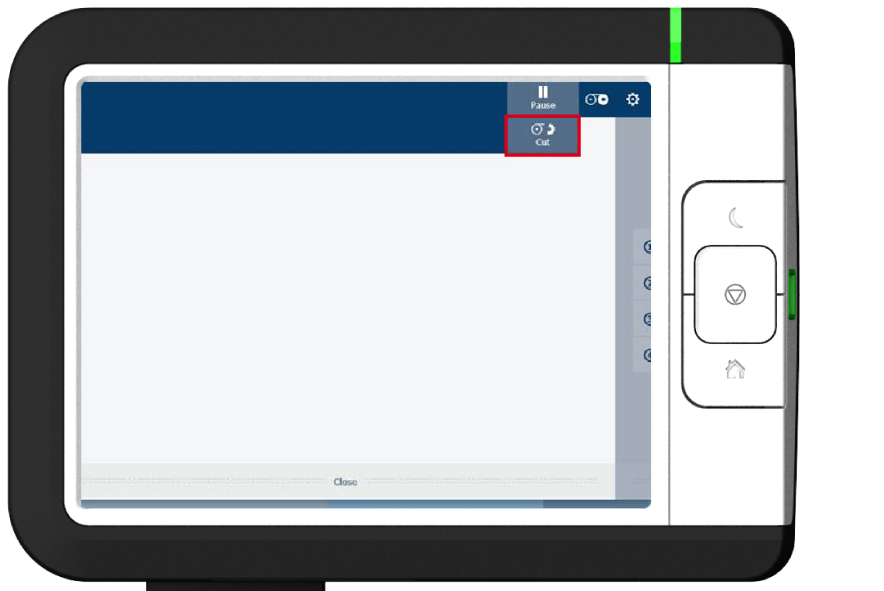
For custom media, you can be requested to perform a manual cut. For more information, see Make a manual cut.