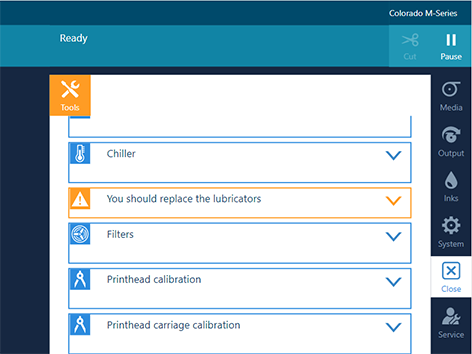
You can replace the lubricators without service assistance. The operator panel gives an orange warning when you can replace the lubricators.
Video:
 Replace the lubricators.
Use Colorado M-series prescribed:
Microflex gloves for handling ink
Bracket with two lubricators and pins (2x)
Torx-20 screwdriver
Lint free cloth (optional)
 NOTE
NOTE
For information on the prescribed maintenance materials, see .
 CAUTION
Wear gloves when contact with ink or maintenance materials is possible. Gloves should always overlap sleeves. Wear safety glasses with side shields when handling ink or maintenance materials. Follow the ink related Safety Data Sheets (SDS) guidelines carefully in order to ensure maximum safety.
 IMPORTANT
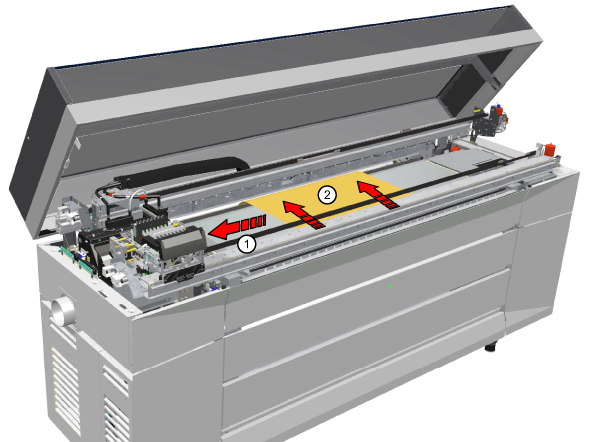
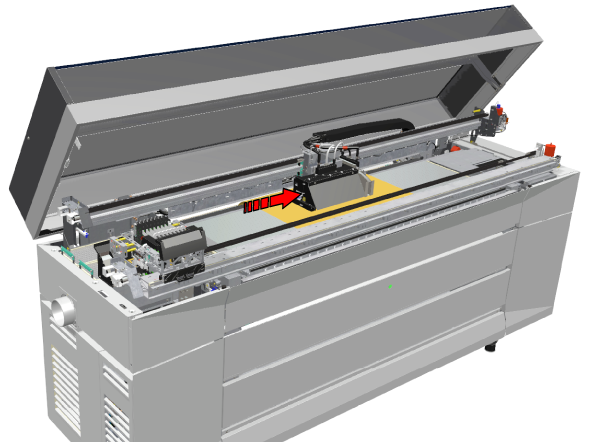
Touch the printhead carriage on the covered area only, otherwise you can damage the printheads.
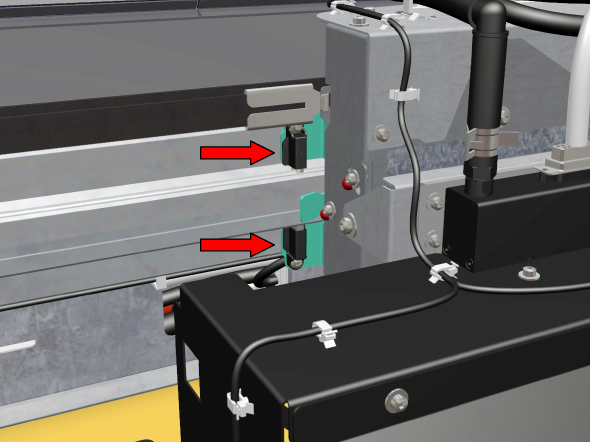
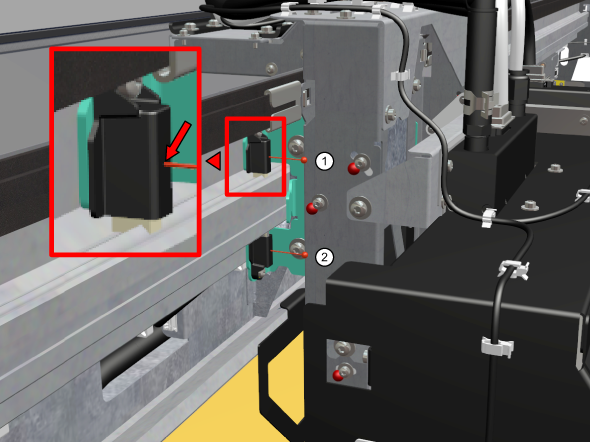
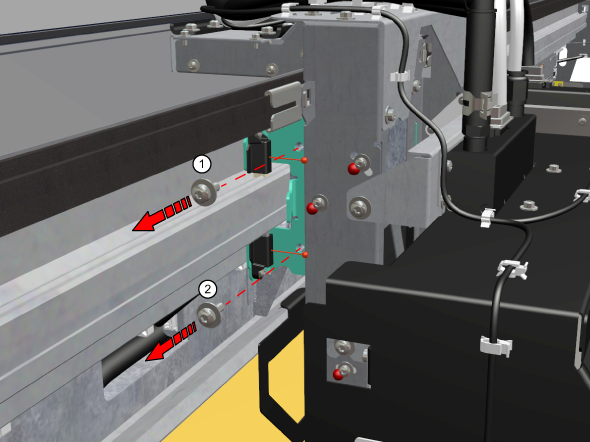
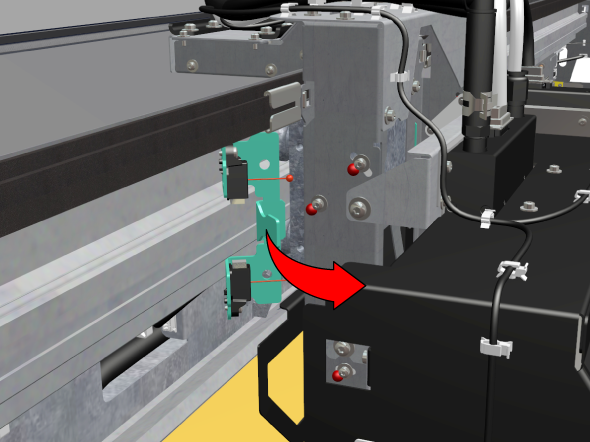
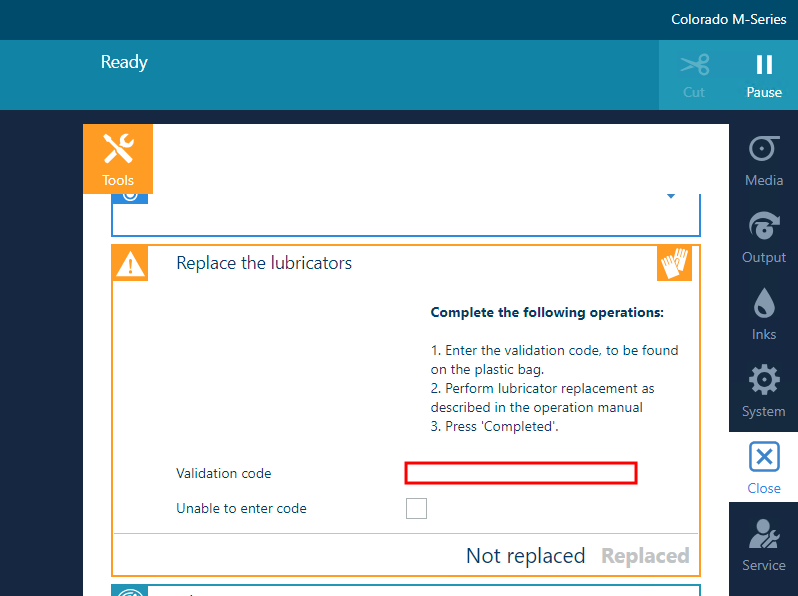
Save the packaging of the new lubricators. You need the validation code later in the procedure.
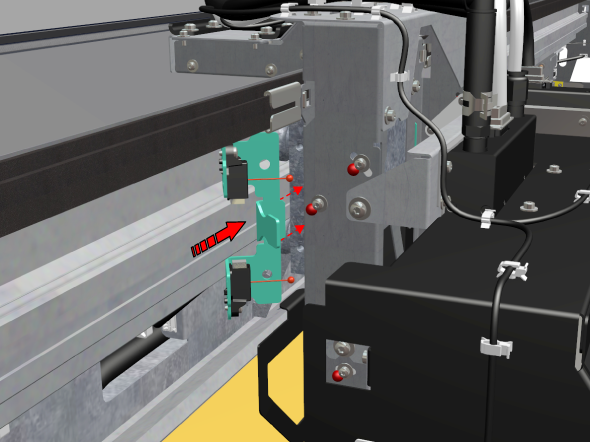
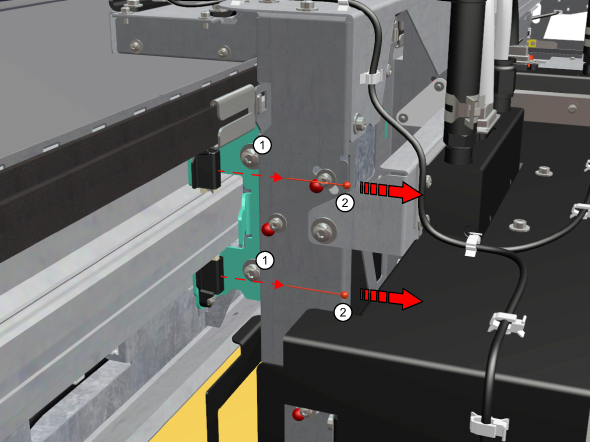
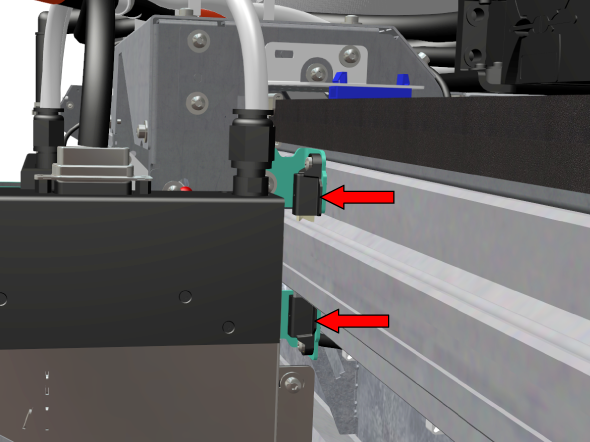
You can find the validation code on the packaging of the new lubricators.
 NOTE
NOTE
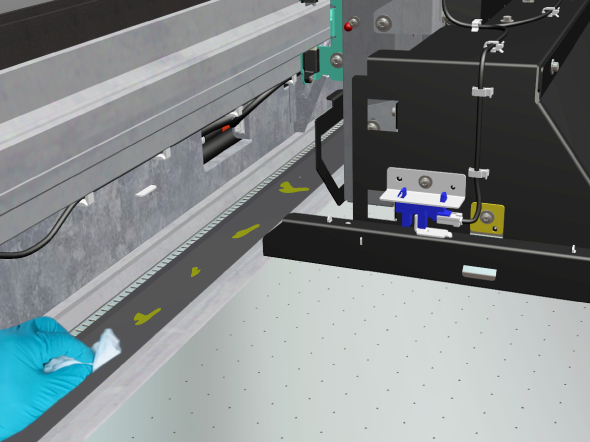
When you have replaced the lubricators, some oil can drip on the platen and the platen edge. When oil has spilled: open the top cover when the printer is not printing, put on gloves, clean the oil with a lint free cloth and close the top cover again.