
Loading

Manually feed media and make a copy

Introduction

You can manually feed media when the required media type or size is not available on the media rolls or the cut sheet tray of the printer.

Procedure

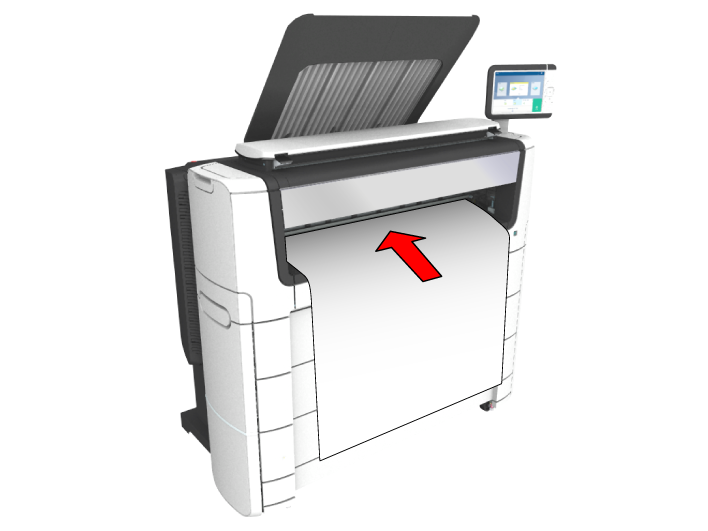
  1. Feed the original face up and centered on the original feeding table.
    NOTE

    The page orientation must be portrait.
  2. Tap the copy tile. A window with a list of presets opens.
  3. Tap [Show all settings]. A list with settings opens.
  4. Tap [Media source] under the [Media] preset.
  5. Tap [Media source] in the new window.
  6. Select [Manual] from the list of settings.
  7. Define the number of copies and tap the green button.
  8. Wait for the media request.
  9. Place the cut sheet media on the media bypass of the printer.
    NOTE

    Use the media size indication on the media bypass to align the cut sheet media correctly. When you use a B1 media size (707 mm) you must align the cut sheet media with the A1 indent.