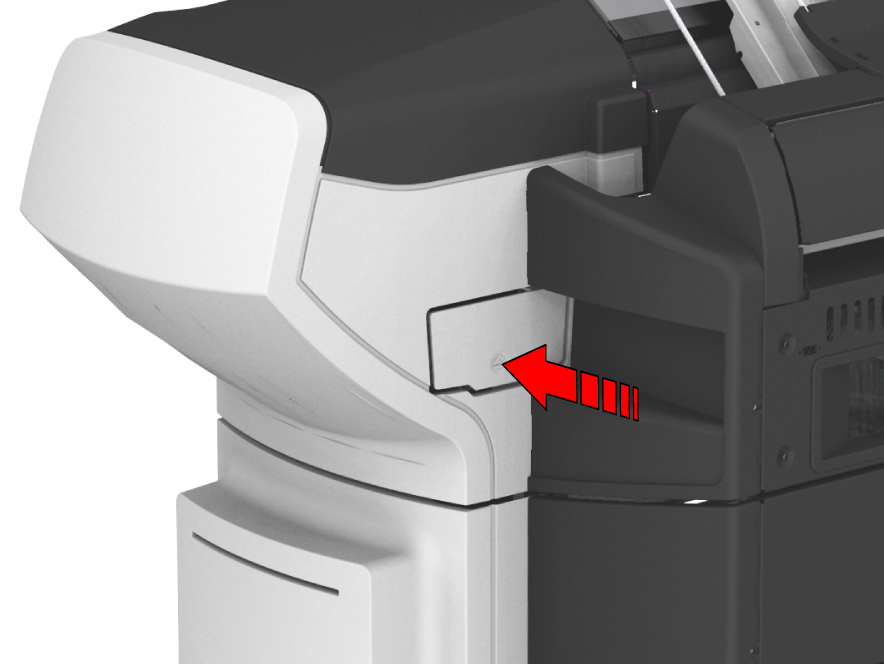
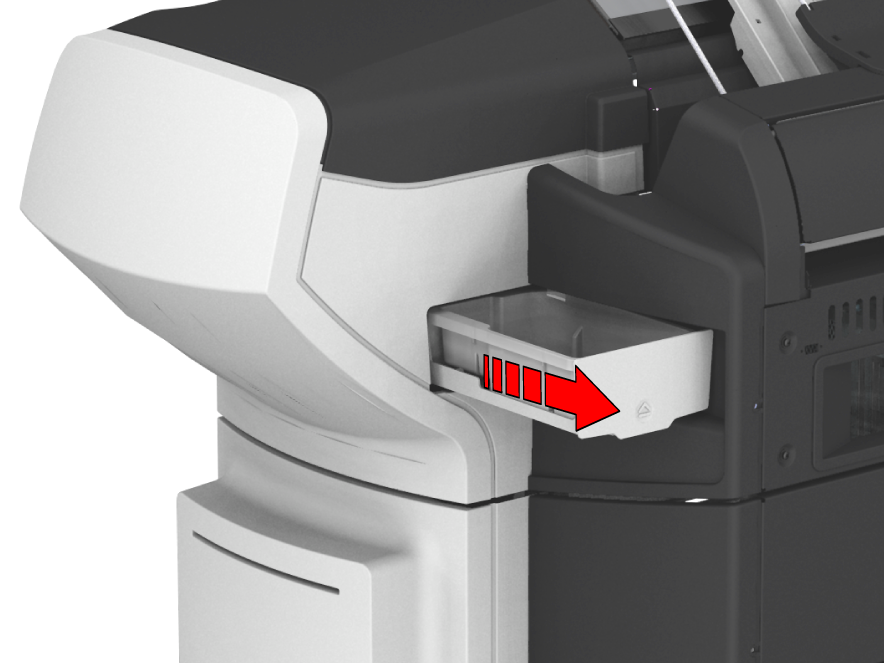
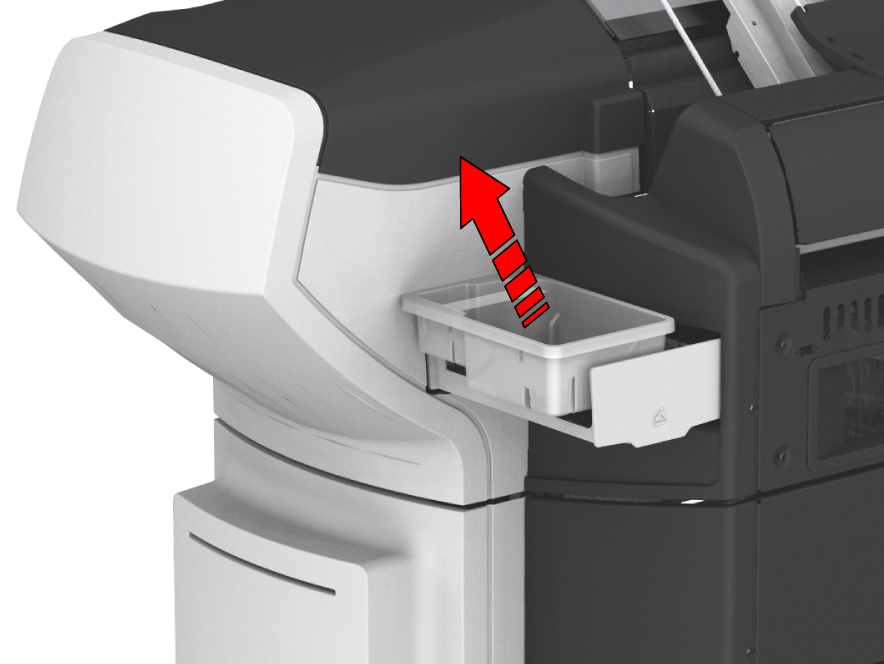
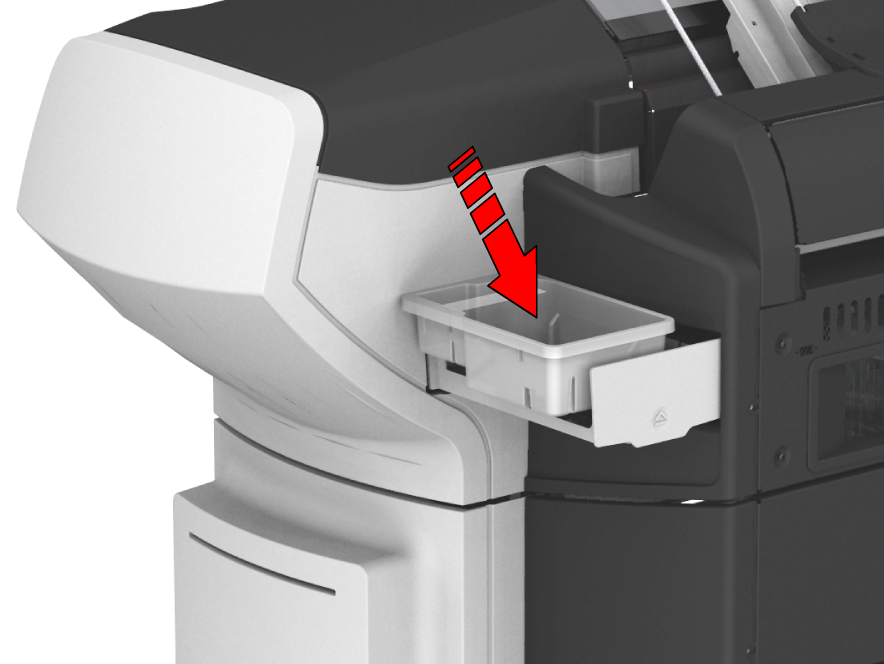
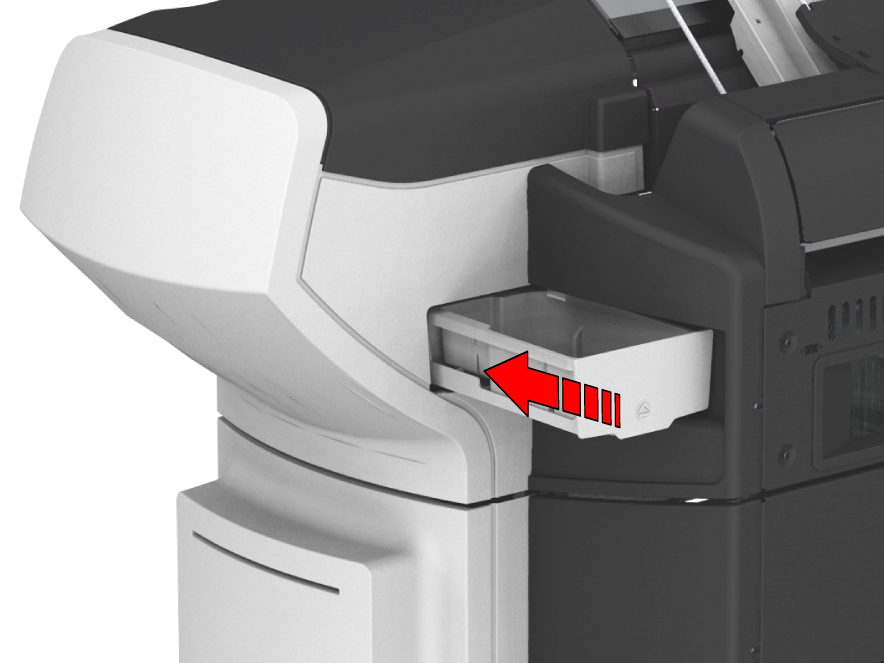
Replace the maintenance tray when the user panel displays the request message. The maintenance tray is the packaging of the toner cartridge. For more information, see Replace the toner cartridge.
|
No |
Description |
|---|---|
|
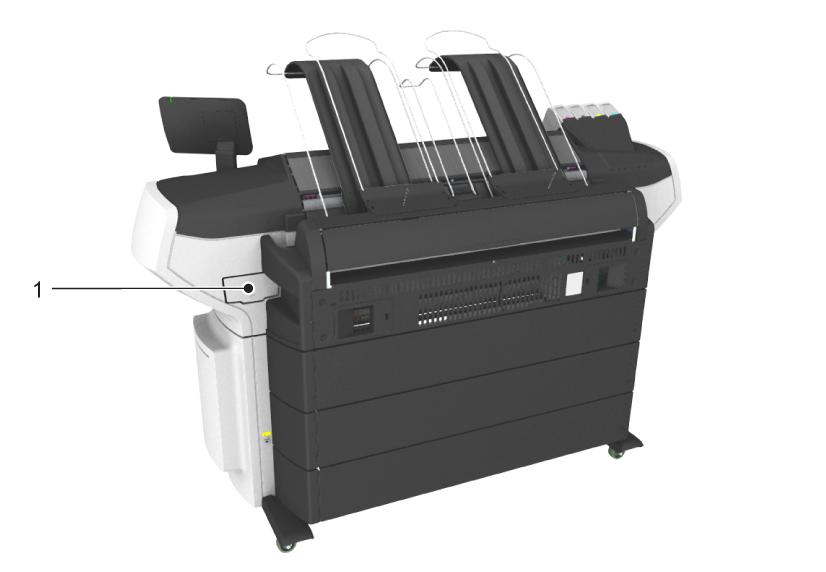
1 |
The maintenance tray drawer is located at the back side of the printer. When the printer starts up, some toner is needed for the imaging devices to optimize print quality. This is done with a so-called pressure pulse wipe sequence. The toner that is used to reach 'ready to print' is collected in the maintenance tray. During the day this process it repeated a few times to keep the imaging devices in the best condition. |