
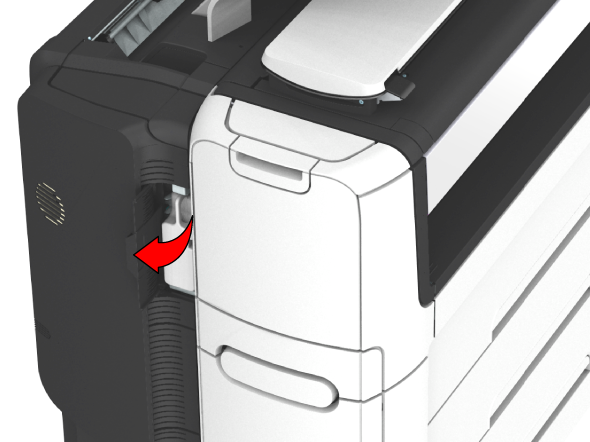
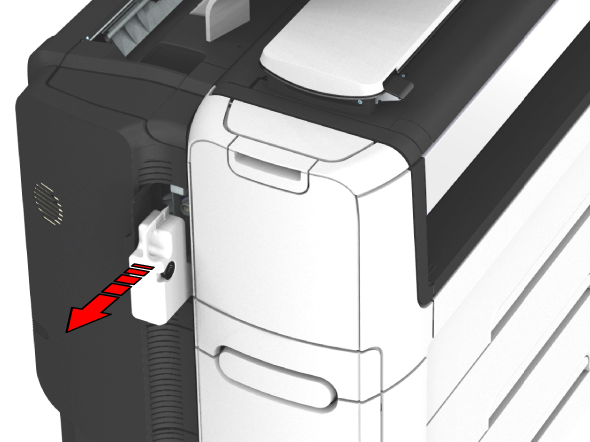
A sensor detects when the residual toner container is full. When the container is full, the printer stops printing and a message appears on the user panel: [The residual toner container is full or not installed.] [Place the empty container.] Replace the container to continue printing.
 NOTE
NOTE
Replace the residual toner container after you have refilled two complete toner bottles.
 IMPORTANT
Do not replace the container during the printing process. You can replace the container when the printer is on.
 NOTE
NOTE
The residual toner container can be disposed normally.