
To ensure compliance, the latest version of Cloud Proxy must be kept up to date. The latest version of the Cloud Proxy will improve security, reduce support issues, and streamline the rollout of new fixes.
PRISMA Home will notify you when a newer version of the Cloud Proxyis available. Depending on your role, messages may be shown to administrators only or to all users, and may also affect access to applications.
Messages are triggered only for [Active] and outdated Cloud Proxy instances
Messages are displayed when a new Cloud Proxy version is released and remain active until:
The Cloud Proxy is upgraded, OR
The Cloud Proxy becomes [Inactive]
Notifications appear only when:
A Cloud Proxy is active and connected
The installed version is outdated
A newer version is available
You can continue using your existing Cloud Proxy version; however, it remains subject to known security limitations. To benefit from the latest security updates and feature enhancements, you are strongly advised to upgrade to the most recent Cloud Proxy version. Future features may be released exclusively for the latest version.
You can choose [Remind me later] /[Postpone] to continue your work
The message will appear again after a short time
As an administrator, you are responsible for updating the Cloud Proxy.
When a new version is available:
You see messages in PRISMA Home (banner and application cards)

You are informed that the Cloud Proxy should be updated
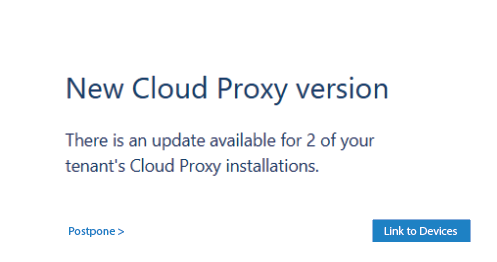
In some cases:
You are shown a message before accessing applications
The message warns that the system may not work correctly if not updated
You can open the Cloud Proxy management page directly to download and install the update
If you are not an administrator, you cannot update the Cloud Proxy yourself.
When a new version is available:
You see messages in PRISMA Home (banner and application cards)

You are informed that an update is available
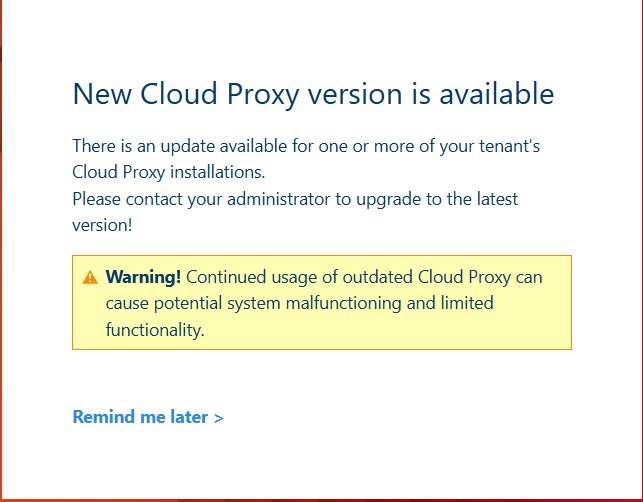
You are asked to contact your administrator