
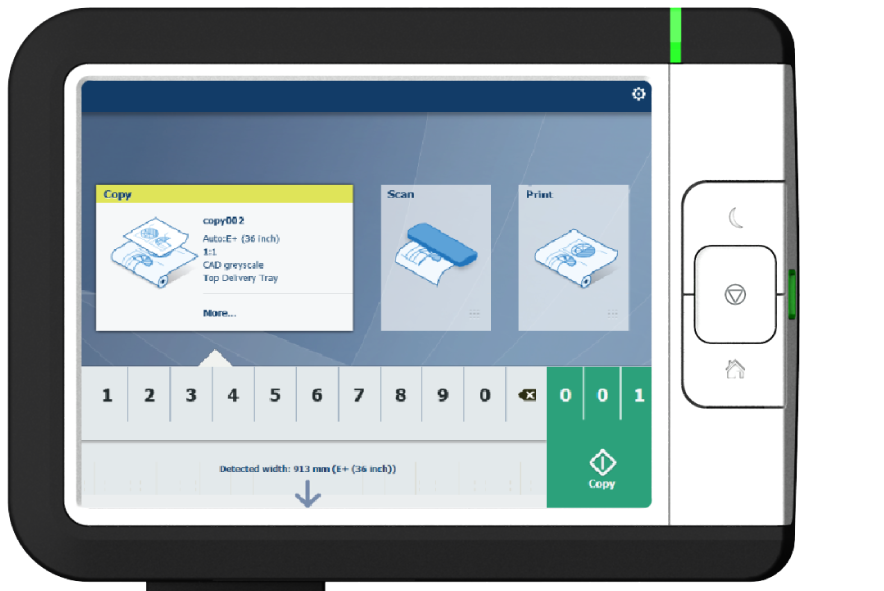
When you want to copy an original and you do not make any settings, the default presets are used. You only use the Smart Access to submit your job.
You can see the presets that are used in the job settings section of your job.
The copy tile with the copy Smart Access is automatically selected on the user panel.
 NOTE
NOTE
Tap on [Release the original] under the Smart Access to release your original from the scanner.