Introduction
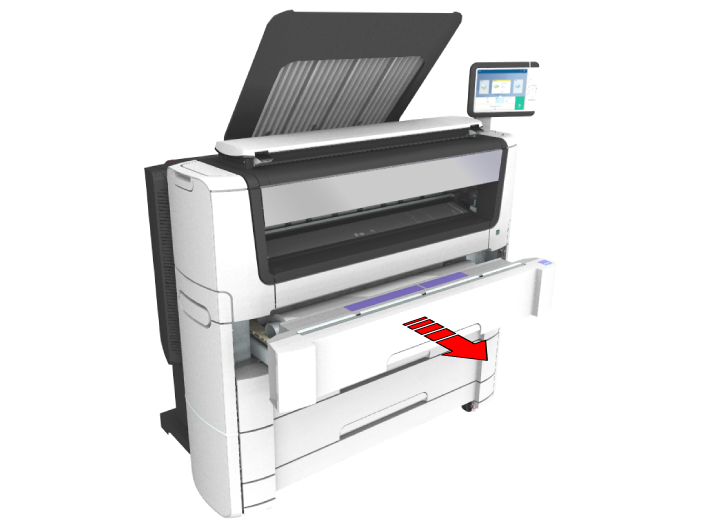
If a media jam occurs in the roll feed section, follow the help wizard on the user panel and take the following steps:
Procedure
-
Firmly pull the media drawer to open it.
-
Remove any jammed printing material from the paper path and, if necessary, pull back the media and rewind it.
-
Reload the media roll if necessary and press the [clean cut button] to trim a strip of the media roll.
-
Close the media drawer.