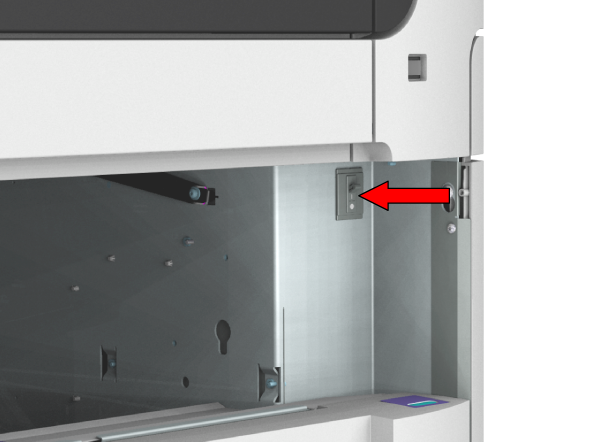
An earth leakage protector is used for the protection against electrical leakage in the heating element circuit of the system.
A leakage can appear after a lightning strike, but also with a permanent short circuit.
When the printer is switched on and not printing, you can check the earth leakage breaker.
Make sure you completely pull out the drawer, so that you can see the back of the inside of the printer. On the right side of the back panel, you can see the circuit breaker switch.