
This screen enables you to check and change the settings of PRISMAremote Monitoring.
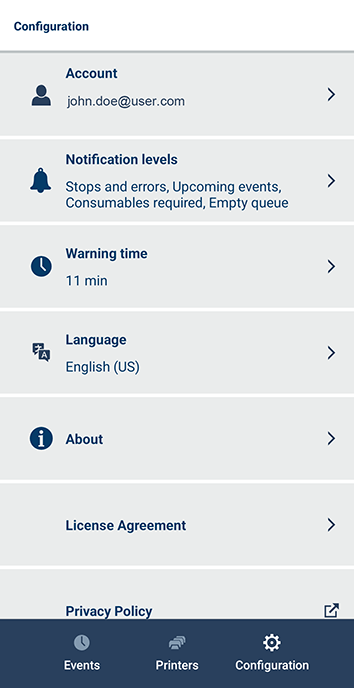 [Configuration] screen
 NOTE
NOTE
The [License Agreement] is only displayed for an Android smartphone.
Enables you to check information regarding the account that is logged in. To log out from the app, touch the [Log out] button.
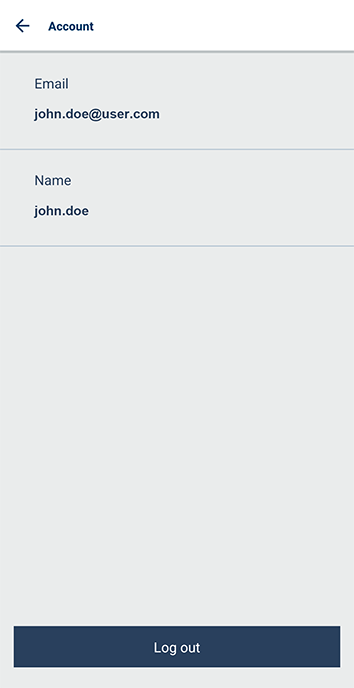 Account information screen
Displays the notification settings screen of the smartphone. The available settings and the configuration method differ according to the operating system of the smartphone.
Set you preferred warning time by using the slider.
The warning time is the time between a notification and the expected time of an upcoming event.
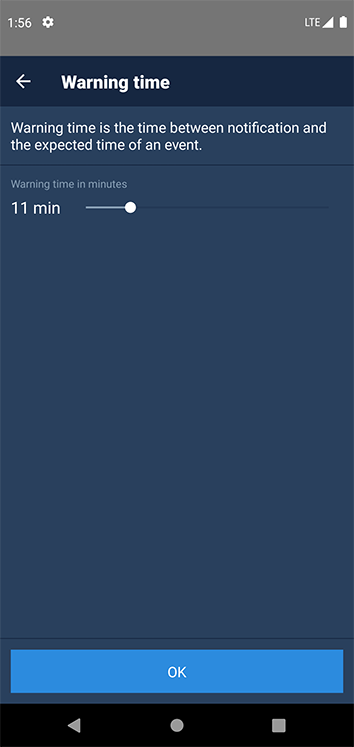 Warning time configuration screen
Specify the language for the app, as required.
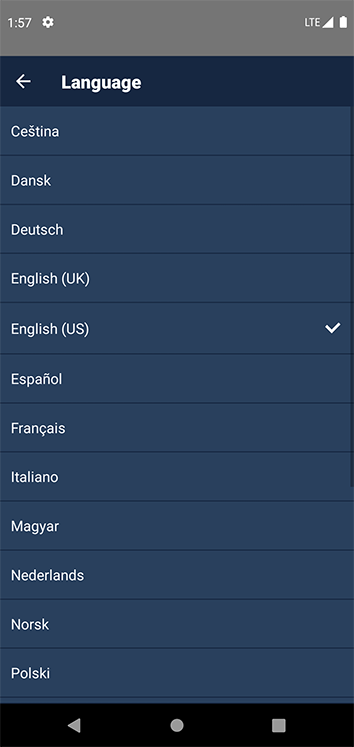 Language selection screen
Enables you to display the following information.
Software version of PRISMAremote Monitoring
Legal information